Passkeys finally went mainstream, and now half your logins want one, which is genuinely good news for security. The catch is where they live. If you want them to follow you from your phone to your laptop to a friend’s borrowed computer, a lot of people reach for 1Password, and then discover it only comes as a monthly bill with no way to simply buy it once. For a feature that is quickly becoming standard, that rubs people the wrong way.
The good news is that syncing passkeys no longer requires a subscription at all. Several strong 1Password alternatives handle passkeys across devices for free, for a single one-time payment, or built straight into hardware you already own. Here are seven worth considering, how each handles passkeys, sync, and recovery, and who each one suits best.
The 7 Alternatives at a Glance
- Bitwarden: free passkey sync across unlimited devices.
- Proton Pass: free passkeys inside a privacy-first vault.
- KeePassXC: free, open-source, and fully local.
- Apple Passwords: built into Apple devices at no cost.
- Google Password Manager: free passkeys in Chrome and Android.
- Enpass: a one-time purchase with your own sync.
- NordPass: passkeys on a free tier, with limits.
How We Chose These
We focused on tools that store and sync passkeys across devices without locking that behind a required subscription, whether they are free, one-time purchases, or built into a platform. Passkey handling, beyond ordinary password storage, was the entry requirement.
From there we weighed how sync works, how you recover access if a device is lost, and whether the vault is zero-knowledge and independently reviewed. We also kept the honest limits in view, since built-in options tie you to one ecosystem and free tiers each have their own catch.
Why 1Password Pushes People to Look
The sticking point is the pricing model. 1Password is a polished, well-regarded manager, but it is subscription-only, with no standalone license to buy once, so passkey syncing comes with a recurring fee that renews for as long as you use it.
For many people that is fine. For those tired of another monthly charge, or who prefer to own their tools or keep data local, the recurring cost is reason enough to look elsewhere, especially now that free and one-time options handle passkeys well. The alternatives below cover each of those preferences.
Quick Comparison
| Tool | Cost model | Passkey sync | Best for |
|---|---|---|---|
| Bitwarden | Free, cheap premium | Free, all devices | Most people |
| Proton Pass | Free, paid tiers | Free, all devices | Privacy fans |
| KeePassXC | Free, open-source | You manage sync | Local-only control |
| Apple Passwords | Free, built in | Across Apple, plus Windows | Apple users |
| Google Password Manager | Free, built in | Chrome and Android | Chrome and Android users |
| Enpass | One-time license | Your own cloud | Buy-once fans |
| NordPass | Free tier, paid | Free, with limits | A simple free start |
1. Bitwarden
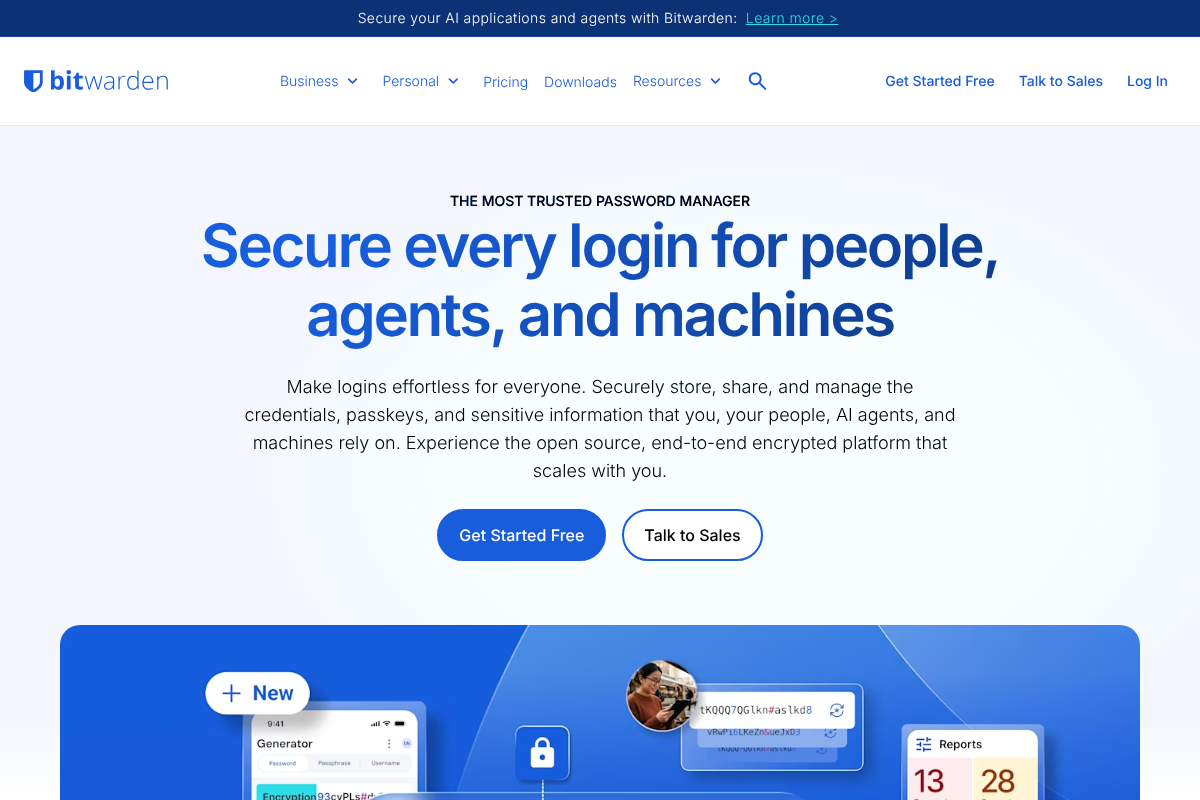
Bitwarden is the default recommendation for most people leaving 1Password. Its free tier syncs unlimited passwords and passkeys across unlimited devices, it is open-source with zero-knowledge encryption, and saving or using a passkey through its browser extension costs nothing.
A few extras, like integrated two-factor codes and file attachments, sit on a low annual Premium plan, but passkey sync is not one of them. For a free, audited, cross-platform home for your passkeys, Bitwarden is the strongest all-round pick here.
2. Proton Pass
Proton Pass is the choice when privacy is the priority. Its free tier covers unlimited logins, notes, and cards across unlimited devices and includes passkey support, all from the makers of Proton Mail and Proton VPN, so your vault sits with a privacy-focused company.
It is open-source and zero-knowledge like Bitwarden, and the deciding factor is usually ecosystem: if you already use Proton’s mail or VPN, keeping passwords there is tidy. Some find Proton Pass autofill a touch less polished than Bitwarden’s, so try both if that matters to you.
3. KeePassXC
KeePassXC is for people who want their vault to stay entirely under their own control. It is free, open-source, and stores your database as a local file rather than in a company’s cloud, and it supports passkeys through its browser integration once enabled.
The trade is that you handle sync yourself, whether through your own cloud drive or a tool like Syncthing, and it is desktop-centered. For maximum control at zero cost with no subscription and no third party holding your data, KeePassXC is hard to beat.
4. Apple Passwords
If you live on Apple devices, you may already have a capable option installed. The Passwords app, backed by iCloud Keychain, stores and syncs passkeys across your iPhone, iPad, and Mac for free, and it now reaches Windows through the iCloud for Windows app and a browser extension.
It is simple and deeply integrated, which is its strength and its limit, since it works best inside Apple’s world. For an Apple-first household that wants passkeys synced with zero setup and no extra cost, the built-in Passwords app quietly does the job.
5. Google Password Manager
Google’s built-in manager is the equivalent for Chrome and Android users. It stores and syncs passkeys tied to your Google account across Chrome on any device and across Android phones, at no cost and with nothing to install.
Its convenience comes with the same ecosystem catch: it is happiest inside Chrome and Android, and it is less full-featured than a dedicated manager. But if your digital life already runs through Google, it offers free passkey sync with essentially no effort, which is a fair place to start.
6. Enpass
Enpass is the standout for anyone who would rather buy software once than rent it. It offers a one-time purchase option instead of a mandatory subscription, stores your vault locally, and syncs through your own cloud account, whether that is iCloud, Google Drive, or another service you already pay nothing extra for.
It supports passkeys and keeps your data off the vendor’s servers, which appeals to the buy-once, own-it crowd. If a lifetime license and self-controlled sync match how you like to own tools, Enpass fits a niche the subscription-only players leave open.
7. NordPass
NordPass rounds out the list with a free tier that includes passkeys. It is a polished, easy-to-use manager from the team behind NordVPN, and its free plan lets you store and use passkeys without paying, which makes for a gentle starting point.
The honest caveat is that its free tier carries limits that the paid plan removes, so read what the free version includes before committing. For someone who wants a slick, approachable manager and is willing to work within a free plan’s boundaries, NordPass is a reasonable option.
No password manager is unbreakable, and this is general security information rather than tailored advice. Whichever you choose, protect it with a strong, unique master password, set up account recovery before you need it, and keep a backup way into your accounts, since losing access to your only passkey store can lock you out.
Frequently Asked Questions
What are the best 1Password alternatives for passkey sync without a subscription?
Bitwarden and Proton Pass lead, both syncing passkeys across unlimited devices on their free tiers. KeePassXC is free and fully local, Apple Passwords and Google Password Manager are built in and free within their ecosystems, Enpass offers a one-time purchase, and NordPass has a free tier with limits. Bitwarden suits most people best.
Can I sync passkeys for free without paying a subscription?
Yes. Bitwarden and Proton Pass both sync passkeys across your devices on their free plans, and Apple Passwords and Google Password Manager do it for free within their ecosystems. KeePassXC is free if you manage your own sync. Passkey syncing no longer requires a paid plan, so a subscription is a choice rather than a necessity.
Bitwarden vs Proton Pass for passkeys: which should I choose?
Both sync passkeys free across unlimited devices, are open-source, and use zero-knowledge encryption, so it often comes down to fit. Choose Bitwarden for broad cross-platform polish and generally strong autofill. Choose Proton Pass if you already use Proton Mail or VPN and want everything under one privacy-first vendor. Trying both free tiers is the fastest way to decide.
Is there a one-time purchase password manager with passkeys?
Yes. Enpass offers a one-time purchase option rather than a required subscription, stores your vault locally, and syncs through your own cloud account while supporting passkeys. KeePassXC is another no-subscription route, being free and open-source, though you arrange sync yourself. Both suit people who prefer owning software over renting it.
Are free password managers safe for storing passkeys?
The reputable ones are. Bitwarden, Proton Pass, and KeePassXC all use zero-knowledge encryption, meaning the provider cannot read your vault, and all three are open-source so their code can be independently reviewed. Safety depends more on a strong master password and enabled recovery than on whether you pay, so pick a trusted, audited tool.
The Bottom Line
Passkeys are becoming the default, and paying a subscription just to sync them is no longer necessary. Bitwarden is the best free all-rounder, Proton Pass is the privacy pick, KeePassXC and Enpass suit those who want to own and control their vault, and Apple and Google cover their ecosystems at no cost. Whichever you choose, set a strong master password and a recovery method first, and your passkeys will follow you everywhere without a recurring bill. For more on locking down your accounts, browse YouGottaRead’s Tech section, including our guide to the questions to ask before canceling a password manager and two-factor apps with cross-platform backups.