You signed up for the $39 plan, felt good about the price, and then the real bill arrived in pieces. An app for subscriptions, another for product reviews, one more for the extra product options the platform will not give you natively, and a premium tier just to touch the checkout. A few months in, your lean little store is quietly paying more in monthly add-ons than for the store itself, and none of it made you a single extra sale.
The Shopify alternatives that reduce app fees take a different bet: build more of the essentials in, and open up the checkout, so you rent fewer separate tools. Merchants routinely stack fifty to two hundred dollars a month in app subscriptions for basics, and checkout customization on Shopify largely lives behind its costly Plus tier. Here are seven platforms that ease both problems, and who each one fits.
The 7 Alternatives at a Glance
- BigCommerce: the most built-in features and no transaction fees.
- WooCommerce: open-source, free plugins, full checkout control.
- Square Online: free tier tied to Square’s point of sale.
- Ecwid: add a store to any existing site.
- Squarespace: design-first with commerce built in.
- Wix eCommerce: beginner-friendly with 0% transaction fees.
- Medusa: open-source headless for total checkout freedom.
How We Chose These
We looked for platforms that cover more out of the box, so you are not renting a separate app for every basic feature, and that give you real control over the checkout without forcing you onto an enterprise plan. Built-in versus bolt-on was the core test.
We also weighed platform transaction fees, since those quietly tax every sale, and how much technical work each option asks of you. The list spans hosted simplicity to open-source freedom, so a solo brand and a developer-backed one can each find a fit, with honest notes on the trade-offs.
Where the Shopify Bill Really Comes From
The subscription price is only the visible part. Stores commonly add apps for email marketing, reviews, subscriptions, advanced shipping, and more, and those recurring fees often dwarf the base plan, which is why a cheap-looking store can cost far more than expected each month.
Checkout is the other pinch point. Editing the checkout beyond surface tweaks generally requires Shopify’s Plus tier, so small brands that want custom fields, upsells, or logic at checkout either pay up or stack yet another app. The platforms below aim to bake more of this in.
Quick Comparison
| Platform | Best for | Platform fees | Checkout control |
|---|---|---|---|
| BigCommerce | Most built-in features | No transaction fee | Open, API access |
| WooCommerce | Full customization | None, self-hosted | Complete via code |
| Square Online | In-person plus online | Free tier available | Moderate |
| Ecwid | Adding a store to a site | Free tier available | Moderate |
| Squarespace | Design-led brands | 0% on commerce plans | Limited but native |
| Wix eCommerce | Beginners | 0% transaction fee | Moderate |
| Medusa | Developer-led brands | None, self-hosted | Total, headless |
1. BigCommerce
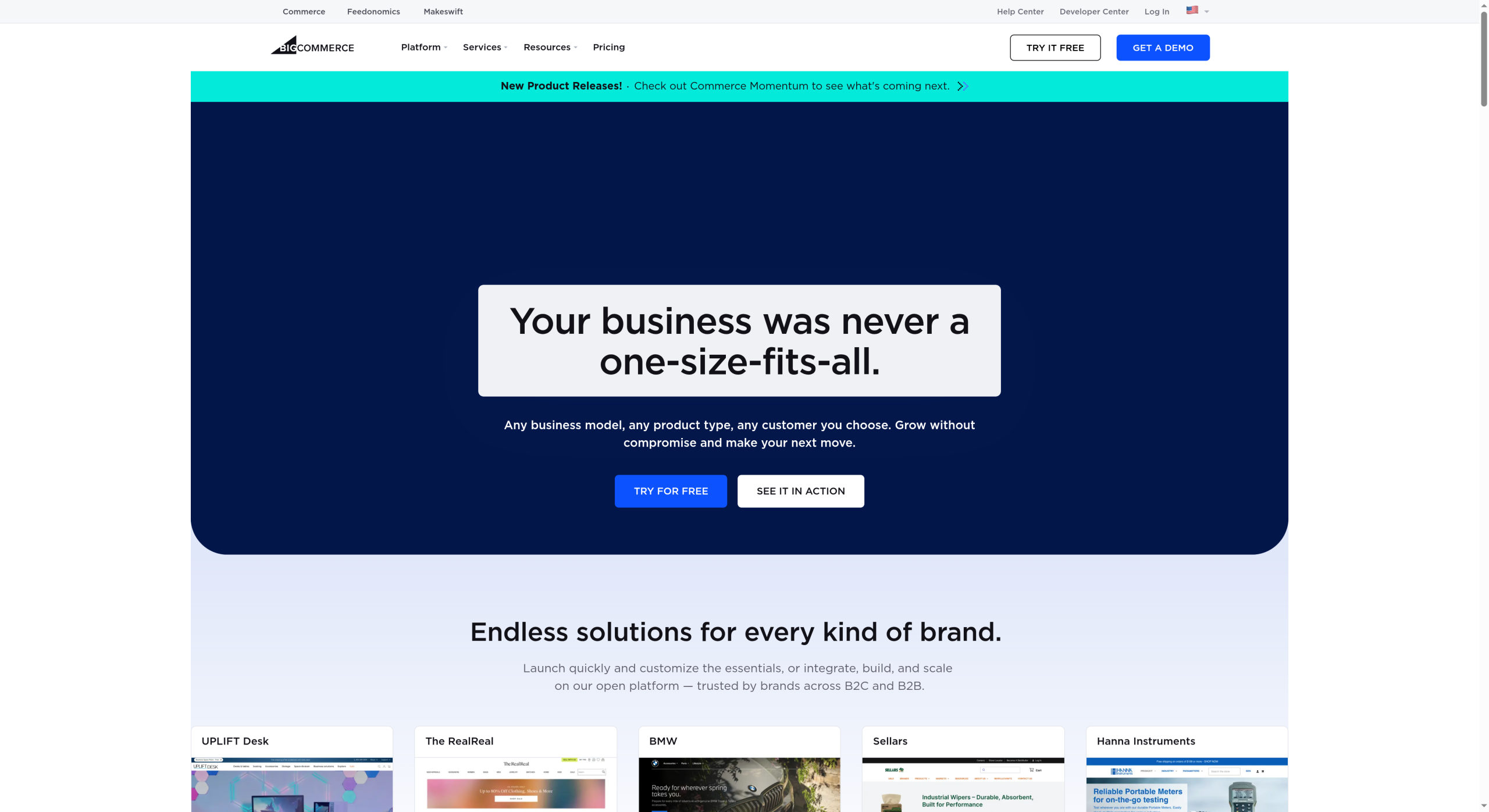
BigCommerce is the closest swap for a brand tired of app fees. It ships with a wider set of native features than Shopify, from multiple product options to advanced shipping and reviews, so many things you would buy an app for are simply included, and it charges no platform transaction fees.
It also gives real checkout control and API access on standard plans rather than reserving that for an enterprise tier. The trade is a slightly steeper learning curve and sales-based plan thresholds that bump you up as you grow, but for cutting the add-on stack, BigCommerce is the strongest fit.
2. WooCommerce
WooCommerce is the answer when you want to own everything. As free, open-source software that runs on WordPress, it hands you complete control of the store and the checkout, and its enormous library of free and paid plugins covers most needs without a mandatory monthly platform fee.
You pay for hosting and take on updates and maintenance yourself, which is the honest cost of that freedom. But there are no platform transaction fees and no vendor lock-in, so for a cost-conscious brand comfortable with some technical setup, WooCommerce keeps the recurring bill remarkably low.
3. Square Online
Square Online shines when you sell in person as well. It plugs into Square’s point-of-sale ecosystem, so inventory and payments stay unified across your counter and your website, and it offers a genuine free tier to start with the essentials built in.
Checkout customization is more modest than the open platforms here, but the core selling tools are native rather than add-ons. For cafes, markets, and brands that live between a physical space and an online store, keeping both on one system is the real saving.
4. Ecwid
Ecwid, now part of Lightspeed, is built to bolt a store onto whatever site you already have. Instead of migrating everything, you embed its cart into your existing WordPress, Wix, or plain HTML site, and its free tier lets a small catalog sell without a monthly fee.
It is less about deep checkout engineering and more about adding commerce cheaply and quickly. If you have a site you like and just need selling built in without a second subscription pile, Ecwid is a pragmatic, low-cost way to do it.
5. Squarespace
Squarespace suits brands where the look carries the sale. Its commerce comes bundled inside genuinely polished templates, and features like basic email and simple product management are native, so a design-led store can launch without assembling a toolkit of apps.
Its commerce plans drop the platform transaction fee, and the checkout is clean if not deeply customizable. For a boutique or portfolio-style brand that values presentation over granular checkout logic, the built-in approach keeps things simple and the monthly cost predictable.
6. Wix eCommerce
Wix is the friendliest on-ramp for a first store. Its drag-and-drop builder makes setup approachable, a broad set of features comes built in, and it charges no transaction fee on its own beyond standard payment processing, which keeps the running cost clear.
Advanced merchants may eventually want more flexibility than it offers, and that is a fair limit to note. But for a beginner who wants an attractive, functional store without wiring together apps or touching code, Wix covers the essentials in one place.
7. Medusa
Medusa is the pick for a brand with developers and big plans for the checkout. It is open-source, headless commerce, meaning the store’s backend is fully yours to extend, and the checkout can be built exactly how you want with no plan gate on customization.
This is not a point-and-click option, and it needs technical resources to run and maintain, so it is overkill for a simple shop. But for a growing brand that wants total control of the buying experience without paying an enterprise tier for the privilege, Medusa delivers freedom the hosted platforms cannot.
This is general information about ecommerce platforms, not financial or business advice, and platform pricing, transaction fees, and feature limits change often. Confirm current plans, fees, and checkout capabilities on each provider’s own site, and weigh migration effort for your specific store before switching.
Frequently Asked Questions
What are the best Shopify alternatives to reduce app fees?
BigCommerce leads for built-in features and no transaction fees, and WooCommerce for open-source control with free plugins. Square Online and Ecwid offer free tiers, Squarespace and Wix bundle commerce natively, and Medusa gives developer-led brands total checkout freedom. Choose based on how much you want built in versus how much technical work you can take on.
Why are my Shopify costs higher than the plan price?
Because most stores add third-party apps for features the base plan lacks, like subscriptions, reviews, extra product options, and advanced shipping. Those recurring app fees, often fifty to two hundred dollars a month, stack on top of the plan and can quietly exceed it. Platforms with more built-in features reduce that add-on spend.
BigCommerce vs WooCommerce: which is better for checkout control?
WooCommerce gives the most control, since it is open-source and you can edit the checkout directly in code, but you host and maintain it yourself. BigCommerce offers strong checkout customization and API access on standard hosted plans without that upkeep. Choose WooCommerce for total control and BigCommerce for power without the maintenance.
Do these Shopify alternatives let me customize checkout without an enterprise plan?
Several do. WooCommerce and Medusa give full checkout control because they are open-source, and BigCommerce provides checkout customization and API access on its standard plans. This contrasts with Shopify, where deeper checkout editing generally requires the Plus tier, so these options can save both app fees and an enterprise upgrade.
Is it worth switching from Shopify to save on apps?
It depends on your app spend and technical comfort. If you pay heavily each month for apps that a platform like BigCommerce includes natively, the savings can be real. But migration takes time, and Shopify’s ecosystem is a genuine strength, so tally your current app costs against a new platform’s built-in features before deciding.
The Bottom Line
Shopify is a strong platform, but its true cost is the app stack around it and a checkout locked behind an enterprise plan. If those are your pain points, BigCommerce is the most direct swap for built-in features, WooCommerce and Medusa hand you full control, and Square, Ecwid, Squarespace, and Wix cover simpler needs at a lower fixed cost. Add up what you actually pay in apps today, then weigh it against a platform that includes more, and the smarter home usually becomes obvious. For more on running the money side of a small brand, browse YouGottaRead’s Business section, including our guides to switching payment processors without breaking billing and email tools that track subscribers first.