Six trackers that fix MyFitnessPal’s biggest weakness: a food database full of wrong, duplicated, and unverified entries.
The complaint about MyFitnessPal is not the interface, it is the data. Its database is enormous because anyone can add a food, which means for any given item you might find ten versions with ten different calorie counts, and no clear way to know which is right. Long-time users on nutrition forums put it bluntly: “almost every item is inaccurate.” If you are tracking to actually hit a target, that noise defeats the point. These MyFitnessPal alternatives with verified nutrition data take the opposite approach, curating or staff-checking their food databases so the numbers you log mean something.
At a Glance
The best MyFitnessPal alternatives for accurate data:
- Cronometer — most accurate, verified data plus full micronutrients
- MacroFactor — validated database with adaptive coaching
- MyNetDiary — staff-verified database, fastest logging
- Lose It! — mainstream feel with verified entries
- FoodNoms — clean, curated data with no crowd clutter
- FatSecret — best free option with a moderated database
| App | Best for | Data quality | Price |
|---|---|---|---|
| Cronometer | Accuracy and micronutrients | Curated (USDA, NCCDB) | Free; Gold ~$55/yr |
| MacroFactor | Macro tracking with coaching | Validated, in-house | No free tier; ~$72/yr |
| MyNetDiary | Fast, accurate everyday logging | Staff-verified, 2M+ foods | Free; Premium ~$60/yr |
| Lose It! | A familiar MFP-style app | Verified entries, curated | Free; Premium ~$40/yr |
| FoodNoms | Clean data on Apple devices | Curated, no crowd entries | Free; Plus ~$29/yr |
| FatSecret | A free, accurate-enough option | Moderated database | Free; Premium optional |
Table of Contents
1. Cronometer
Best for: anyone who wants the most accurate numbers, especially micronutrients.
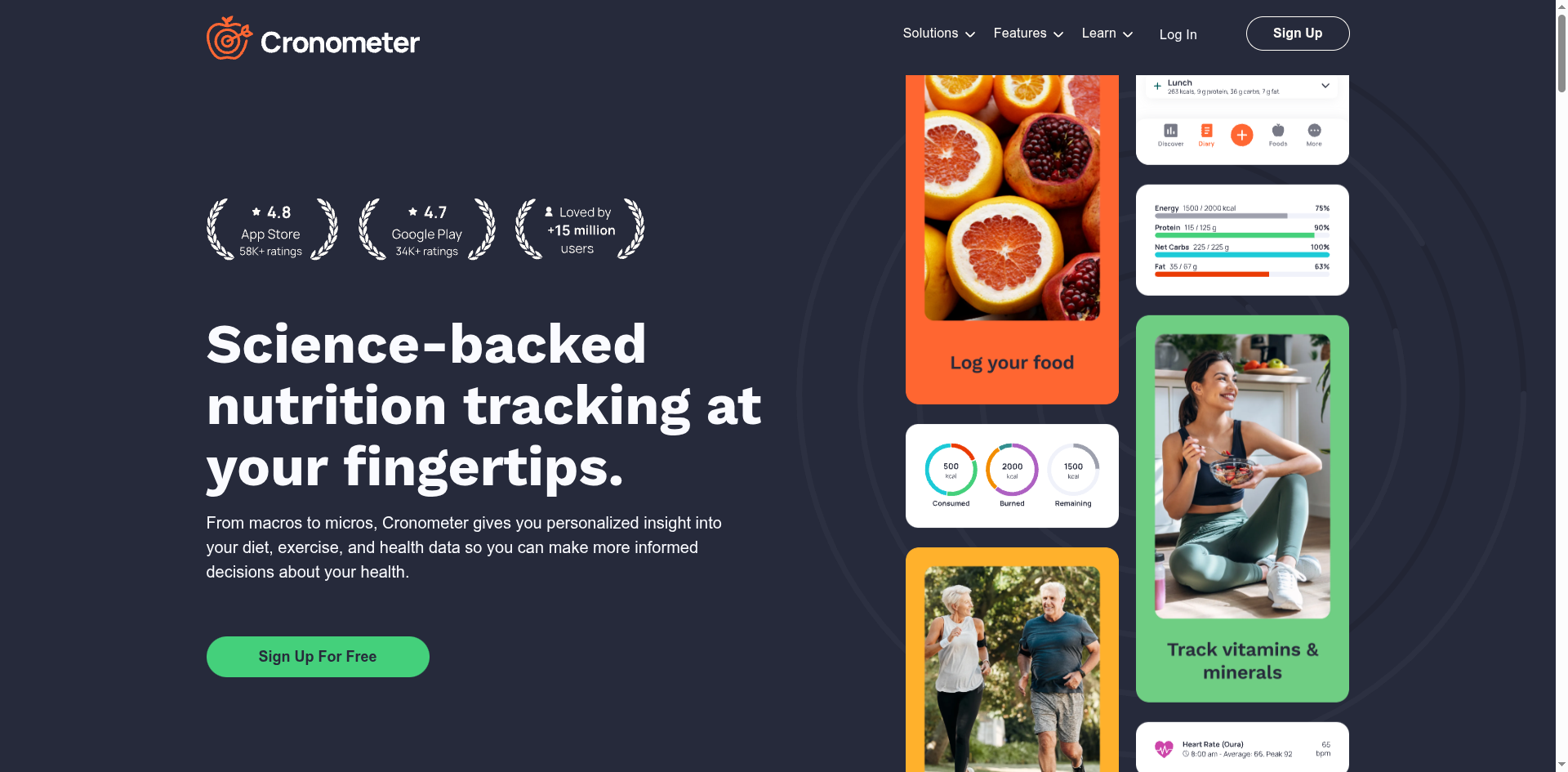
Cronometer is the answer most serious trackers land on, and the forums agree, with “moved from MyFitnessPal to Cronometer” a recurring headline. It builds its database from curated, science-grade sources like the USDA and the NCCDB rather than user submissions, so a food’s entry is consistent and trustworthy. It also tracks up to around 80 micronutrients alongside calories and macros, which matters if you care about iron, vitamin D, or fiber rather than a calorie number alone.
- Pros: The most verified data here, deep micronutrient tracking, generous free tier.
- Cons: Adding a food that is not in the curated database takes more effort than MFP’s anything-goes approach.
Pricing: Free tier covers the core; Cronometer Gold runs about $55 a year for extra features.
2. MacroFactor
Best for: macro trackers who want accurate data and a coach that adjusts to results.
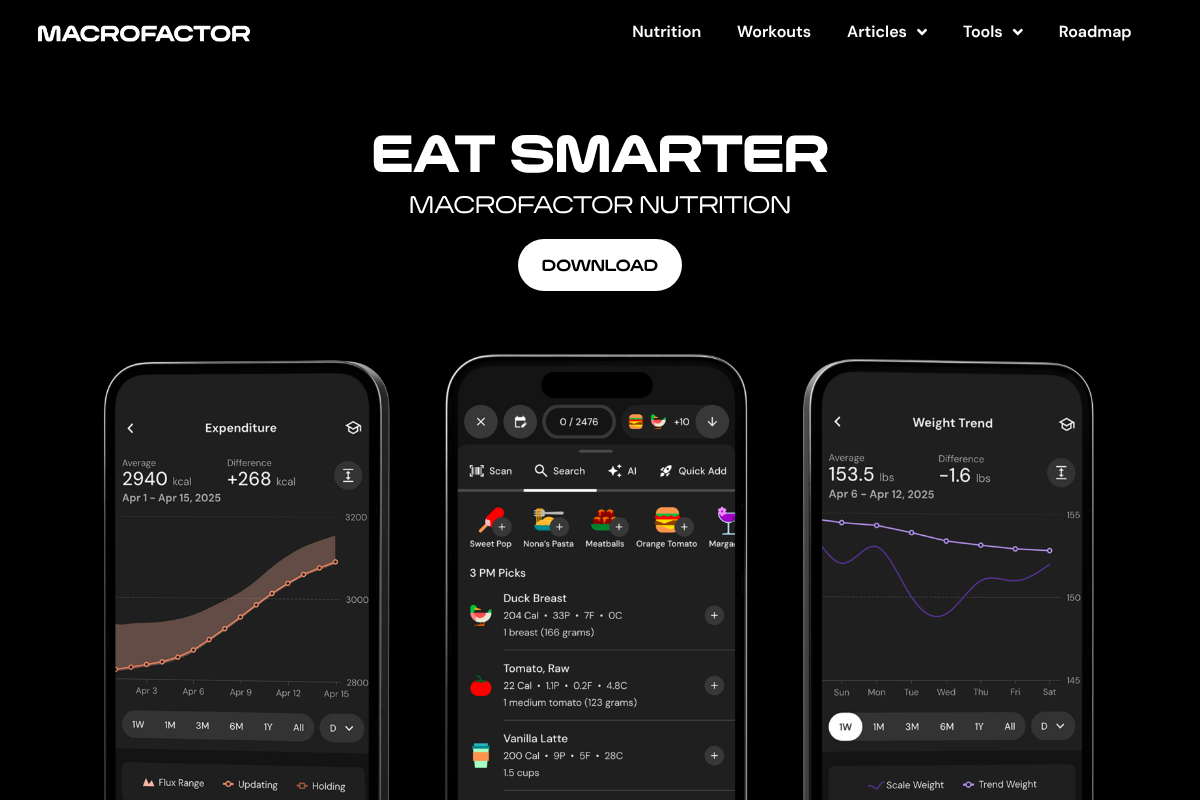
MacroFactor, built by the team behind Stronger By Science, pairs a validated in-house food database with the most rigorous math in a consumer app. Its expenditure algorithm recalculates your calorie target each week based on what you actually logged and how your weight actually moved, so your targets self-correct instead of relying on a generic formula. The database is curated, so you are not sorting through fifteen versions of “chicken breast.”
- Pros: Clean validated data, genuinely smart adaptive targets, no ads.
- Cons: No free tier, so you commit after the trial.
Pricing: MacroFactor has a short free trial, then runs about $12 a month or $72 a year.
3. MyNetDiary
Best for: people who want accuracy without complexity and the fastest daily logging.
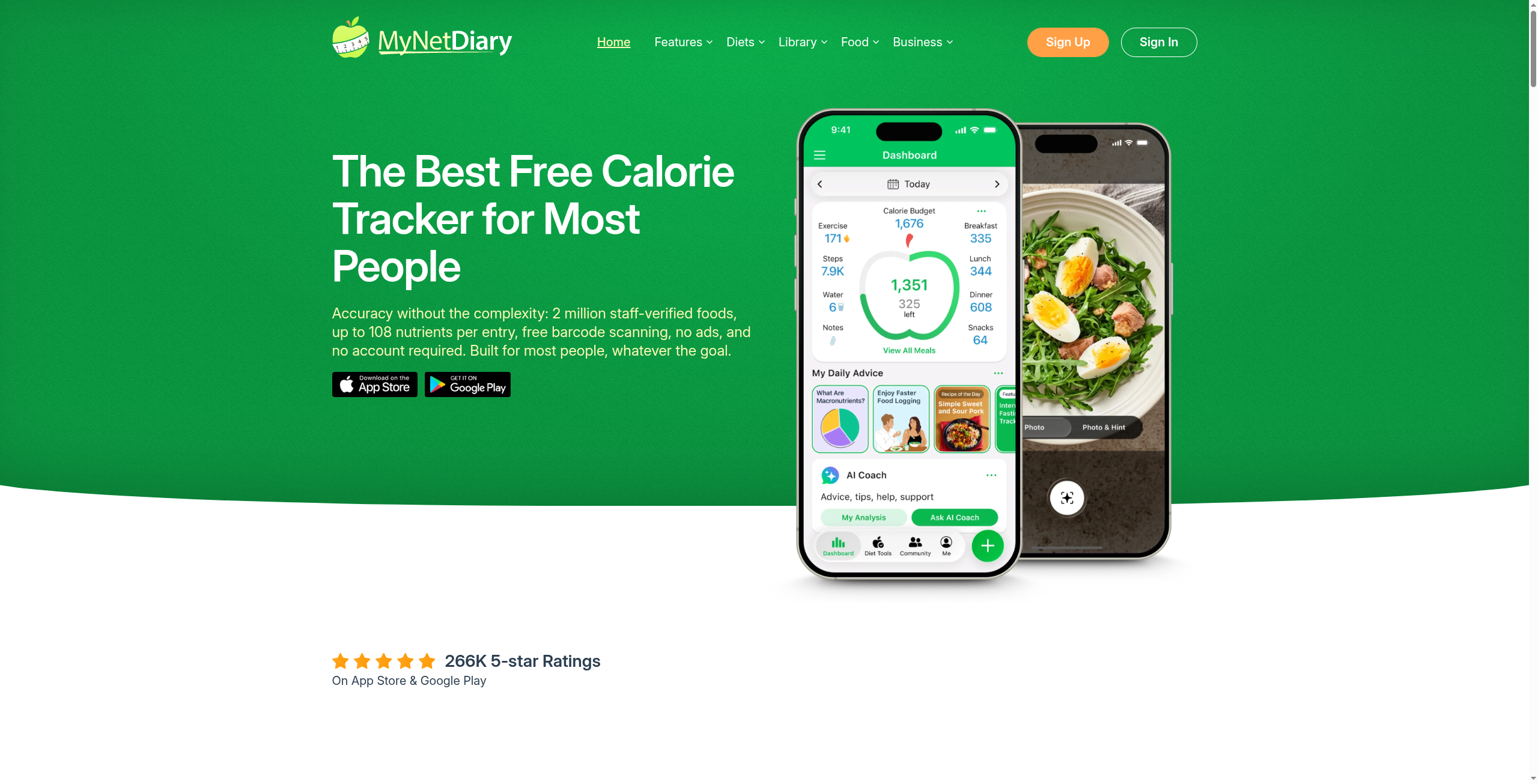
MyNetDiary hits a sweet spot between Cronometer’s rigor and MFP’s ease. It advertises over 2 million staff-verified foods, and in independent testing it had the fastest manual logging of the bunch, which matters more than any feature list when you log three meals a day for months. It tracks a wide range of nutrients too, with barcode scanning that stays free.
- Pros: Staff-verified database, very fast logging, free barcode scanning.
- Cons: The interface feels a little busier than the minimalist options.
Pricing: MyNetDiary has a free tier; Premium is about $60 a year.
4. Lose It!
Best for: people who want a MyFitnessPal-style experience without the database chaos.
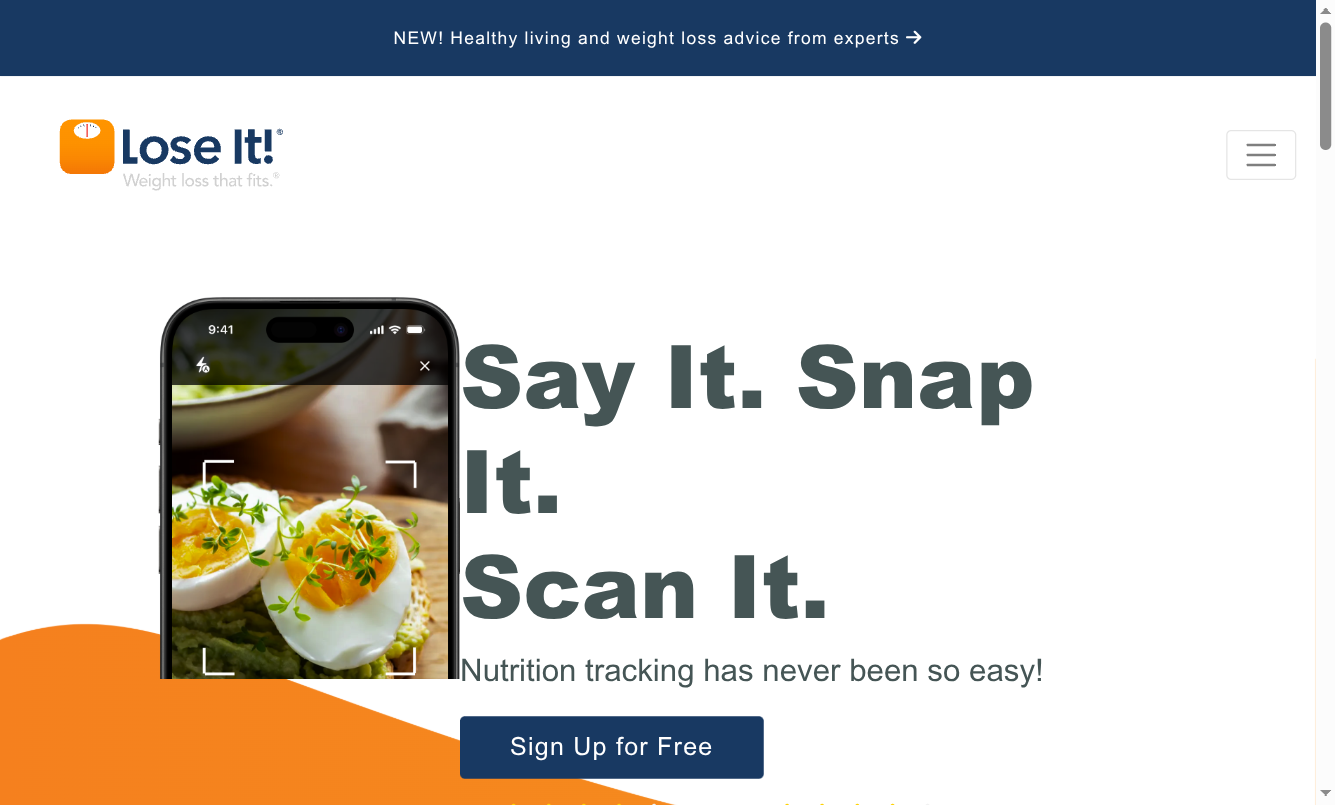
If you like the way MFP works but not its data, Lose It! is the easiest switch. It keeps the familiar simple layout and quick barcode scanning, but its database leans on verified entries and curation, so the everyday foods you log are more reliable. It scored higher than MyFitnessPal on accuracy in comparison testing, and the learning curve for an MFP refugee is close to zero.
- Pros: Familiar and simple, verified entries, strong barcode scanning.
- Cons: Not as deep on micronutrients as Cronometer, and the best features are behind Premium.
Pricing: Lose It! has a free tier; Premium is about $40 a year.
5. FoodNoms
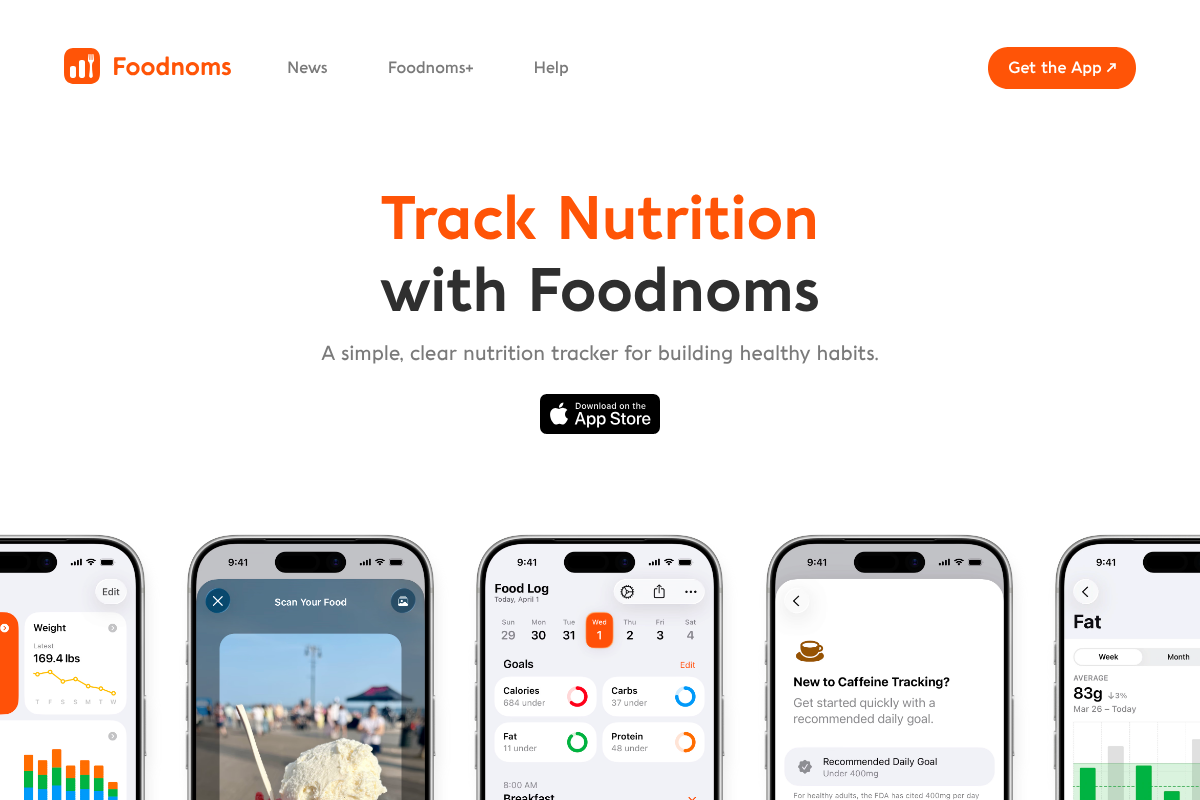
Best for: Apple users who want clean, curated data and a calm, ad-free app.
FoodNoms takes the strongest stance against database clutter: it curates its US food data in-house and does not let random users pollute it, which is exactly the fix for MFP’s problem. It is a polished, privacy-minded app with a clear interface and no ads. The catch is that it is built for Apple’s ecosystem, so it is iPhone, iPad, and Mac only.
- Pros: Genuinely curated data with no crowd entries, clean design, privacy-focused.
- Cons: Apple-only, and its database is smaller than the giants.
Pricing: FoodNoms is free to start; the Plus subscription runs around $29 a year.
6. FatSecret
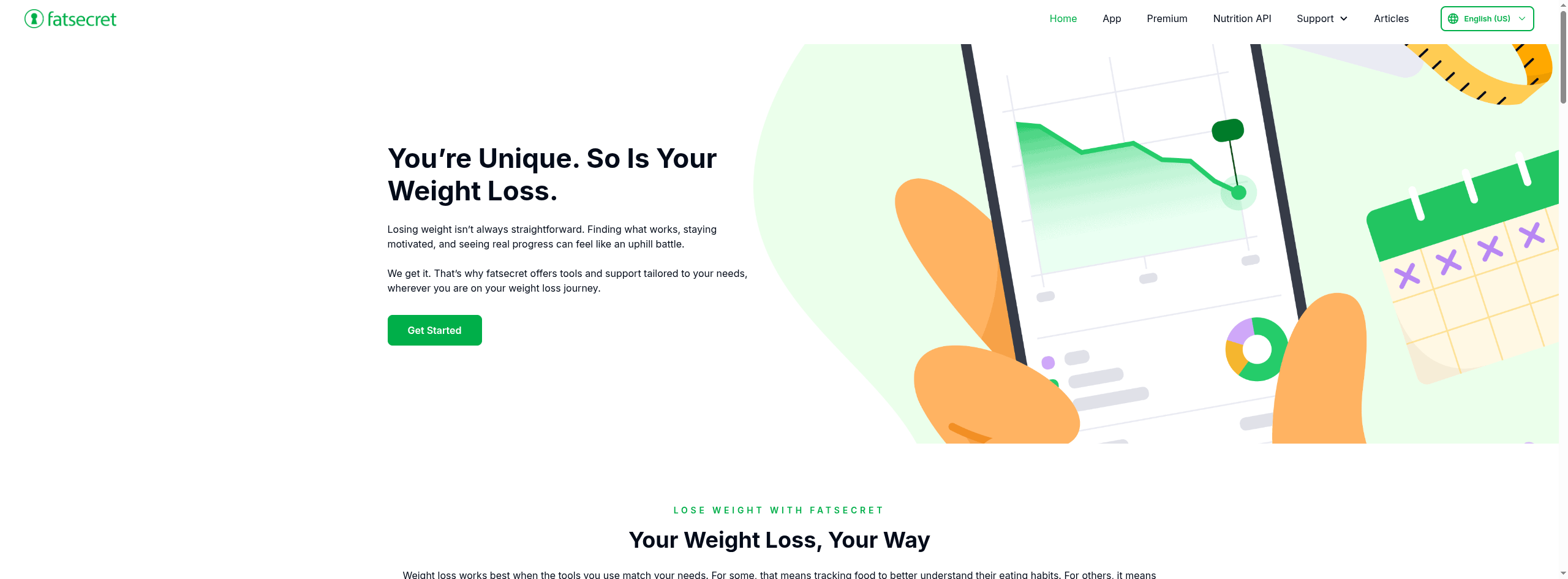
Best for: anyone who wants a free tracker with reasonably reliable data.
FatSecret is the best free pick if you do not want to pay at all. Its database is moderated rather than a free-for-all, and the company’s data is trusted enough that it also powers a commercial Nutrition API used by other apps. You get calorie and macro tracking, barcode scanning, and a food diary without a paywall on the basics, which is increasingly rare.
- Pros: Genuinely free, moderated database, cross-platform.
- Cons: Fewer advanced features, and it is not as micronutrient-deep as Cronometer.
Pricing: FatSecret is free, with an optional Premium tier.
How We Chose These
We prioritized one thing above features and looks: where the food data comes from and how it is verified. Every pick either curates its database from authoritative sources or staff-checks entries, rather than relying on unmoderated user submissions. From there we weighed everyday logging speed, barcode scanning, platform support, and price, since the most accurate tracker is useless if it is too slow to keep up with.
This article is for general information only and is not medical or nutrition advice. Calorie and nutrient needs vary by person, so talk to a doctor or registered dietitian before making significant changes to your diet.
The Bottom Line
If accuracy is the whole reason you are leaving MyFitnessPal, Cronometer is the clearest upgrade, with verified data and micronutrients no crowd-sourced app can match. Want smart, self-adjusting targets on top of clean data, go with MacroFactor. If you just want reliable numbers and fast daily logging without a learning curve, MyNetDiary or Lose It! will feel familiar immediately, and FatSecret covers you if you refuse to pay. Whichever you pick, the win is the same: when the database is trustworthy, the effort you put into logging finally pays off. For more, see YouGottaRead’s guide to starting a healthier lifestyle and the wider Health section.
Frequently Asked Questions
What is the best MyFitnessPal alternative for accurate data?
Cronometer is the top choice for accuracy. It builds its database from curated, science-grade sources like the USDA rather than user submissions, and it tracks detailed micronutrients. For fast everyday logging with verified data, MyNetDiary is a close second.
Why is the MyFitnessPal database so inaccurate?
MyFitnessPal lets almost anyone add foods, which built the largest database available but filled it with duplicate and unverified entries. For a single food you may see many versions with conflicting calorie counts. Apps like Cronometer, MacroFactor, and MyNetDiary curate or staff-verify their data instead.
Are there free MyFitnessPal alternatives with good data?
Yes. FatSecret is free and uses a moderated database, and both Cronometer and MyNetDiary offer capable free tiers with verified data. You do not have to pay to get more reliable numbers than MyFitnessPal’s crowd-sourced entries.
Which alternative is closest to how MyFitnessPal works?
Lose It! is the easiest switch for MyFitnessPal users. It keeps a similar simple layout and quick barcode scanning but relies on more curated, verified entries, so the transition is quick and easy while the data quality improves.
Do any of these track micronutrients beyond calories?
Cronometer is the standout for micronutrients, tracking dozens of vitamins and minerals alongside calories and macros. MyNetDiary also covers a wide range of nutrients. If you care about more than calories and protein, Cronometer is the strongest choice.