Six ways to keep the family photo library without an algorithm quietly sorting everyone by face.
Face grouping is the feature families most often want to switch off and most often cannot. Google Photos scans every image, builds a face for each person, and groups your kids and relatives into named clusters whether you asked for it or not. If that makes you uneasy, you have two real paths: a private cloud service that never does face grouping, or a photo library you host yourself where any face recognition is optional and stays on hardware you own. This list covers both, with an eye on the things families actually need, which are shared albums, simple access for less-technical relatives, and a clean way to migrate off Google.
In Brief
The best Google Photos alternatives without forced face grouping:
- Proton Drive — best for private cloud with zero face scanning
- Ente Photos — best for a Google Photos feel with opt-in, on-device faces
- Immich — best self-hosted clone for tech-comfortable families
- Synology Photos — best if you own (or want) a NAS
- Mylio Photos — best local-first option with no server to run
- PhotoPrism — best for self-hosters who want AI they control
| App | Best for | Face grouping | Price |
|---|---|---|---|
| Proton Drive | Easy private cloud | None | 5 GB free; paid plans from a few dollars/mo |
| Ente Photos | Familiar app, private ML | Opt-in, on-device | 10 GB free; 50 GB $2.49/mo |
| Immich | Self-hosted power users | Optional, self-hosted | Free (your hardware) |
| Synology Photos | NAS owners | Optional, can turn off | Free with a Synology NAS |
| Mylio Photos | Local-first, no server | Optional, on-device | Free tier; Mylio+ about $99/yr |
| PhotoPrism | DIY with tagging | Built in, but yours to disable | Free to self-host |
Table of Contents
1. Proton Drive
Best for: families who want a normal cloud backup with no face scanning at all.
Proton Drive is the closest thing to a drop-in Google Photos replacement that simply does not do face grouping. Photos are end-to-end encrypted, which means the company cannot read them, and there is no People tab because the app never builds one. For a lot of families that is the entire point: back up the phone, share an album, and move on.
The tradeoff is the flip side of the privacy. Because Proton cannot see your photos, it cannot offer face search or the auto-generated “memories” reels. You also give up some of Google’s slick organization. If you can live without those, this is the least fussy pick on the list.
- Pros: End-to-end encrypted, no face grouping, easy mobile apps, from a company whose whole business is privacy.
- Cons: No face or smart search, fewer auto-organization features, free tier is only 5 GB.
Pricing: Free 5 GB; paid Drive plans add 200 GB and up for a few dollars a month, and it is bundled in Proton Unlimited.
2. Ente Photos
Best for: families who want the Google Photos experience but with face recognition off by default and private when on.
Ente is the pick if you like face search but hate that Google does it to a copy of your photos on its servers. It is end-to-end encrypted and open source, and its face recognition runs on your own device only after you turn local indexing on. Leave it off and you get a clean, private library. Switch it on and the grouping happens on your phone, not in a data center.
It is also genuinely built for households. One Ente subscription covers a family plan of up to six people sharing the same storage, so relatives are not each paying separately. Shared albums and public links make it easy to hand grandparents a folder without teaching them a new app.
- Pros: Opt-in on-device faces, real family plan, open source, imports directly from Google Photos.
- Cons: Paid past 10 GB, and the on-device indexing takes time and battery on older phones.
Pricing: 10 GB free; 50 GB is $2.49/mo, 200 GB $4.99/mo, and 1 TB $9.99/mo, all shareable across a six-person family.
3. Immich
Best for: a tech-comfortable family that wants the full Google Photos experience on their own server.
Immich is the self-hosted project that actually looks and feels like Google Photos, down to the timeline, shared albums, and phone apps with automatic background backup. Face recognition and smart search exist, but you decide whether to run them, and everything stays on your box. Nothing leaves the house unless you set it up that way.
This is the most capable option here for anyone willing to run software. The catch is that “your own server” means you are now the IT department: you handle storage, updates, and backups, and a dead drive with no backup is your problem alone. Treat Immich as a real system to maintain, not a set-and-forget app.
- Pros: Free, closest Google Photos clone, optional AI, excellent mobile apps, active development.
- Cons: You run and back up the server, and setup assumes some technical comfort.
Pricing: Free and open source; you pay only for the hardware and storage you provide.
4. Synology Photos
Best for: families who already own a Synology NAS, or are happy to buy one.
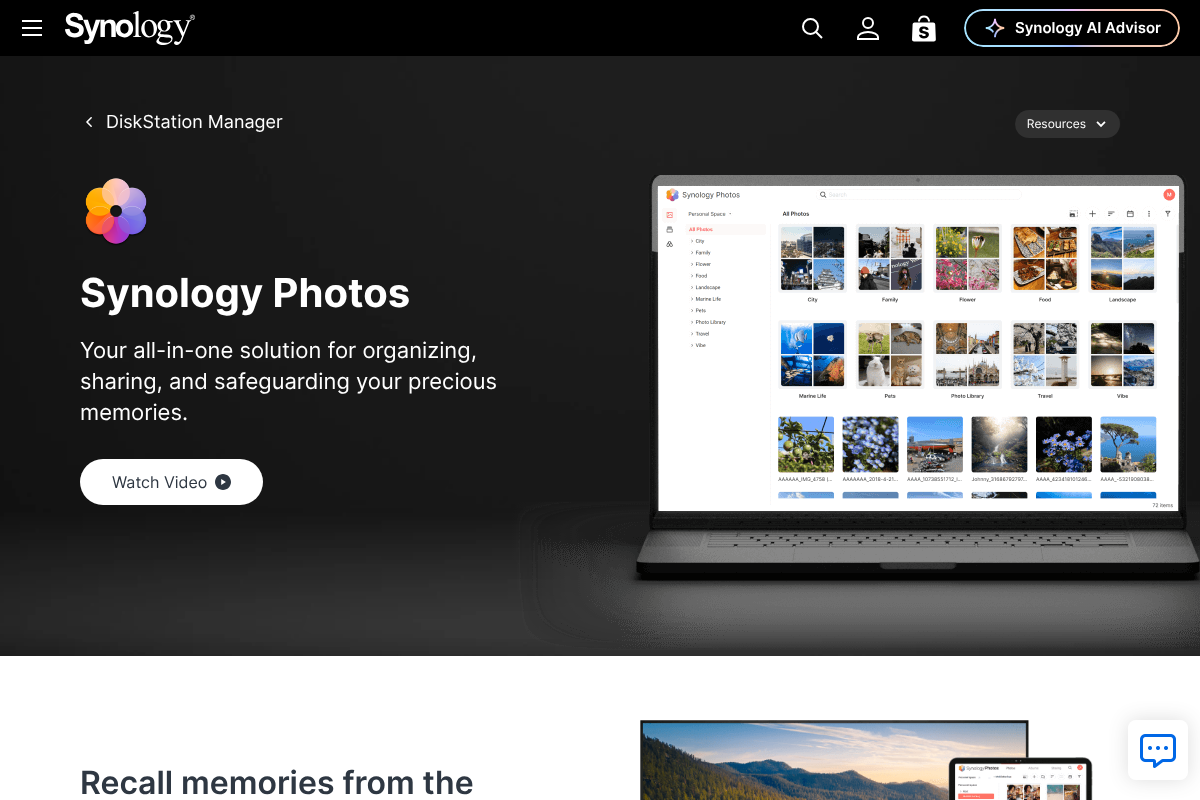
If a home network storage box is on the table, Synology Photos is the friendliest self-hosted route. It comes free with the NAS, gives each family member a private space plus shared albums, and the timeline view will feel familiar to anyone leaving Google. Face recognition is available but optional, so you can leave it switched off and still get clean, date-based organization.
The cost is upfront and physical: you buy the Synology hardware and the drives. After that, storage is a one-time expense instead of a monthly bill, which pays off for large family libraries over a few years.
- Pros: Runs on your hardware, optional face recognition, strong sharing, no monthly fee.
- Cons: Requires buying a NAS, and remote access takes a bit of setup.
Pricing: The app is free; the real cost is the NAS and drives, typically a few hundred dollars up front.
5. Mylio Photos
Best for: families who want organization across devices without running a server or trusting a cloud.
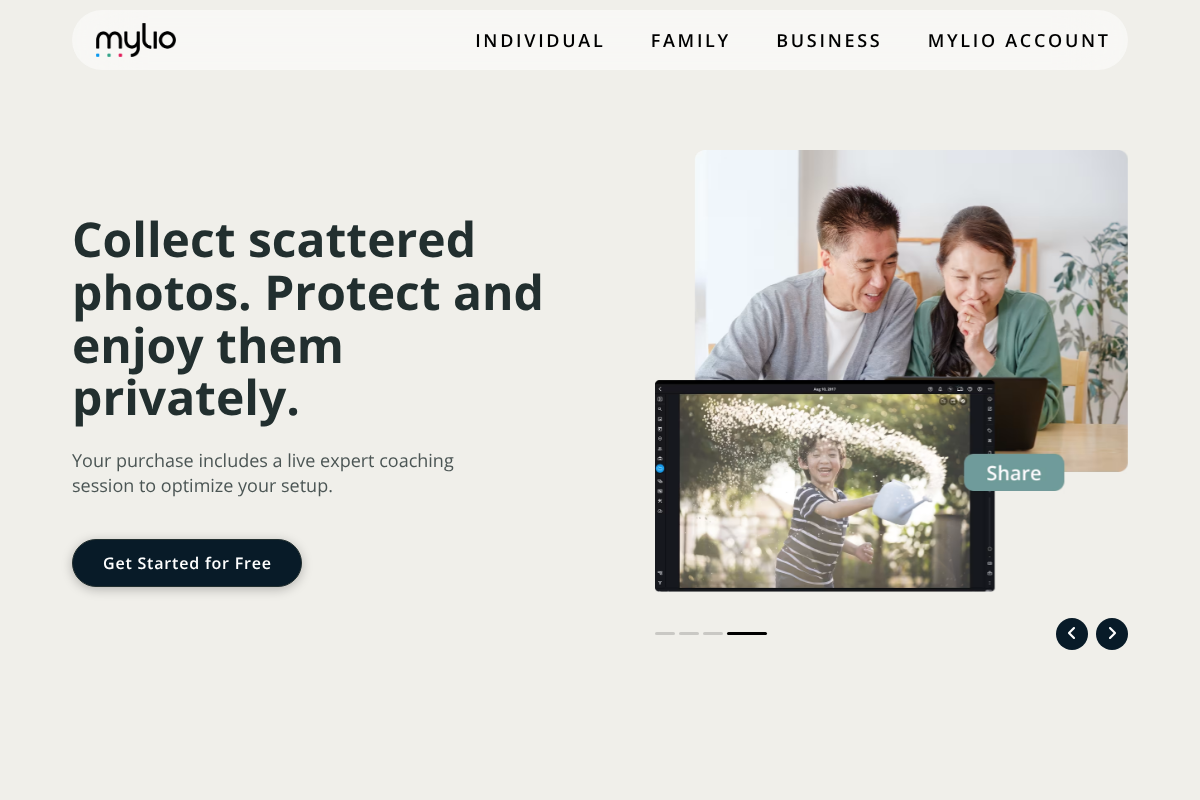
Mylio is the odd one out here in a useful way: it is local-first, syncing and organizing your library directly across your own phones, tablets, and computers without requiring a cloud in the middle. Any face tagging happens on the device and is optional. For a household that wants everything tidy and private but does not want to become a server admin, it hits a nice middle ground.
It leans toward the enthusiast, and the full feature set sits behind a subscription. Mylio is also organization and sync first, so if your main goal is an off-site backup you will want to pair it with one rather than treat it as your only copy.
- Pros: Local-first with no required cloud, on-device optional faces, works across all your devices, family-oriented.
- Cons: Full features need Mylio+, and it is not a cloud backup on its own.
Pricing: Free tier available; Mylio+ runs about $99 a year for unlimited devices and the full toolset.
6. PhotoPrism
Best for: self-hosters who do want smart tagging, on the condition that they run the AI themselves.
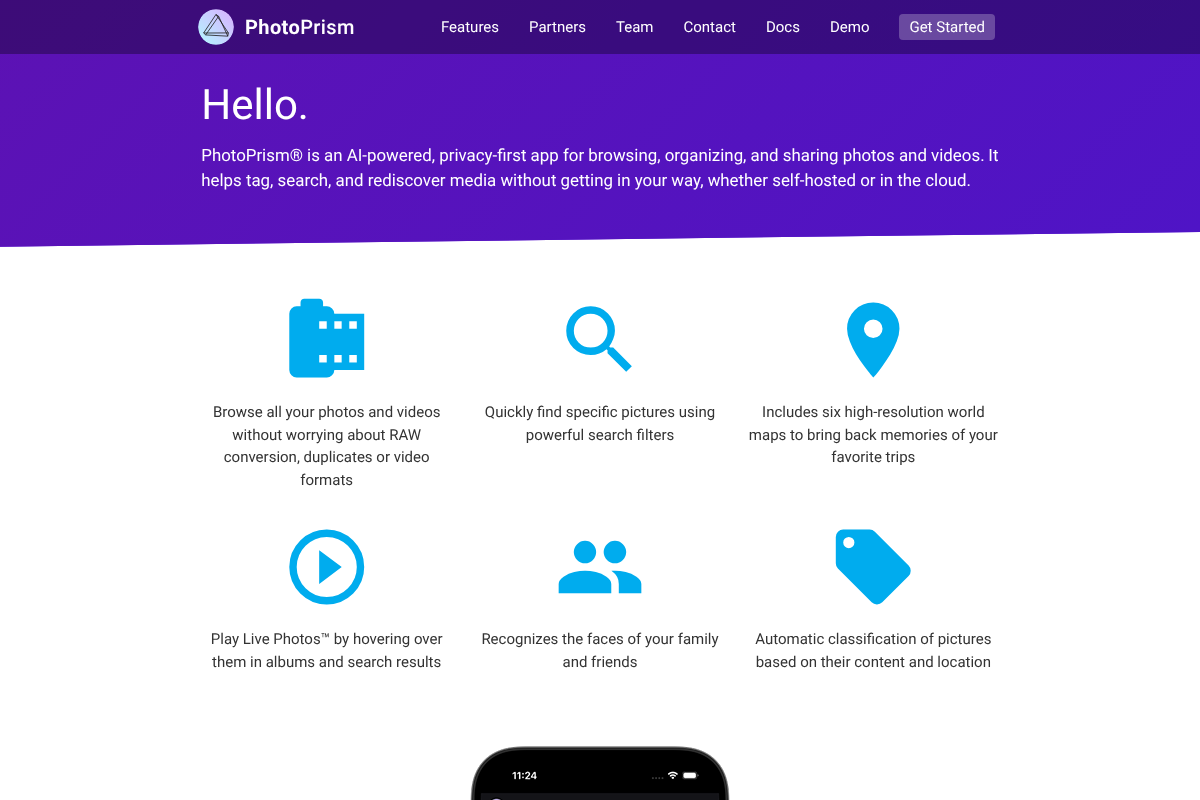
PhotoPrism is the honest exception on this list. It does group faces and auto-classify photos, and it says so plainly. The reason it belongs here is that it is self-hosted and privacy-first, so that AI runs on your own server, under your control, and can be turned off. You get automatic tagging and search without handing your library to a big platform.
It is a strong choice if you actually want the smart features but not the surveillance that usually comes with them. As with any self-hosted tool, PhotoPrism makes you responsible for setup, storage, and backups. If face grouping is a hard no even on your own hardware, pick Proton or leave Ente’s indexing off instead.
- Pros: Powerful search and tagging you host yourself, privacy-first design, free to run.
- Cons: Face grouping is on by default in typical setups, and you maintain the server.
Pricing: Free to self-host; optional memberships fund development and add a few extras.
How We Chose These
We started from one requirement: face grouping had to be absent, off by default, or fully under the user’s control on their own hardware. From there we weighted what families actually use day to day, which is reliable phone backup, shared albums, and access for relatives who are not technical. We included both hosted services and self-hosted software so the list works whether you want zero maintenance or full ownership, and we checked current pricing and features rather than relying on older reviews.
The Bottom Line
For most families, Proton Drive is the simplest answer: private, no face scanning, nothing to maintain. If you miss face search but want it done privately, Ente Photos is the better fit, with its on-device, opt-in grouping and a real family plan. Go self-hosted with Immich or Synology Photos only if someone in the house is happy to run and back up a server, and pick Mylio if you want tidy, local organization without one. The move that trips people up is not the app choice, it is the migration, so export your Google library with Google Takeout first and confirm the new app imports it before you delete anything. For more, browse YouGottaRead’s Tech section, and our guide to protecting your accounts and data pairs well with a privacy-first photo setup.
Frequently Asked Questions
What is the best Google Photos alternative without face grouping?
Proton Drive is the best all-round pick because it never does face grouping and needs no setup. If you want private face search that you can switch on, Ente Photos is the strongest choice, since its recognition runs on your own device and is off until you enable it.
Does Apple iCloud Photos avoid face grouping?
Not really. iCloud Photos builds a People album using on-device recognition, which is private and not shared with Google, but you cannot fully turn face grouping off. For all-Apple families that trust on-device processing it can be fine, but it does not meet a strict no-face-grouping requirement.
Can I move my Google Photos library to one of these?
Yes. Use Google Takeout to export your photos and albums, then import into the new app. Ente and Immich have direct import paths, and most others accept a folder upload. Always confirm the import worked before deleting anything from Google.
Is self-hosting safe for a family that is not technical?
Self-hosting gives you the most control but makes you responsible for backups and updates. If no one in the household is comfortable with that, a hosted service like Proton Drive or Ente is the safer choice, since a single hard-drive failure with no backup can lose everything.
Do these alternatives support shared family albums?
Yes. Ente, Synology Photos, Immich, and Proton all support shared albums or shared spaces, and Ente and Synology are built with family sharing in mind. That makes it easier to give relatives access without moving your photos onto a social app.