There is a specific unease that comes with modern photo apps. You upload a few thousand family pictures for safekeeping, and the app starts sorting them by face, guessing who everyone is, and pushing notifications about memories with people you would rather not be reminded of. The backup you wanted quietly became an analysis you did not. For a lot of parents, the goal is simple: keep the photos safe, and keep the software out of them.
If you want Google Photos alternatives with no face grouping, the honest first step is knowing what you are actually avoiding, and the good news is you have real choices. Some apps encrypt your library so no company can scan it, some run any face sorting only on your own device, and some let you switch that feature off entirely. Below are the best options for privacy-minded families, plus how to turn face grouping and Memories off in Google Photos if you would rather stay.
The Short Answer
For no company scanning your family’s faces, choose an end-to-end encrypted app like Ente or Proton Photos, where only you can see your library, or a self-hosted one like immich, where face detection is optional and runs on your own server. Apple’s iCloud Photos does its face sorting on your device rather than for ads. And if you stay on Google Photos, you can turn off Group Similar Faces and Memories in Settings.
How We Chose These Picks
The worry here is specific, so the criteria are too. We looked for apps that either do not analyze your photos at all, keep any face sorting on your own device, or let you turn face grouping off. We favored end-to-end encryption, where the provider cannot see your library, and local processing, where nothing about your faces leaves your control. We also weighed how family-friendly each is to actually use, plus free tiers, cross-platform apps, and honest trade-offs, since the most private options sometimes ask more of you in setup or storage.
The Best Private Google Photos Alternatives
Ente Photos
Ente is the easiest private pick for families, because it is end-to-end encrypted, cross-platform, and open-source, with no server to run. Your library is encrypted so Ente itself cannot see your photos, and any search or on-device grouping happens locally on your phone, not on a company’s servers for its own use. That is the key difference from Google Photos: the intelligence works for you, privately. The trade-offs are that storage beyond the free tier is paid, and because your data is encrypted, there is no cloud-side scanning to lean on.
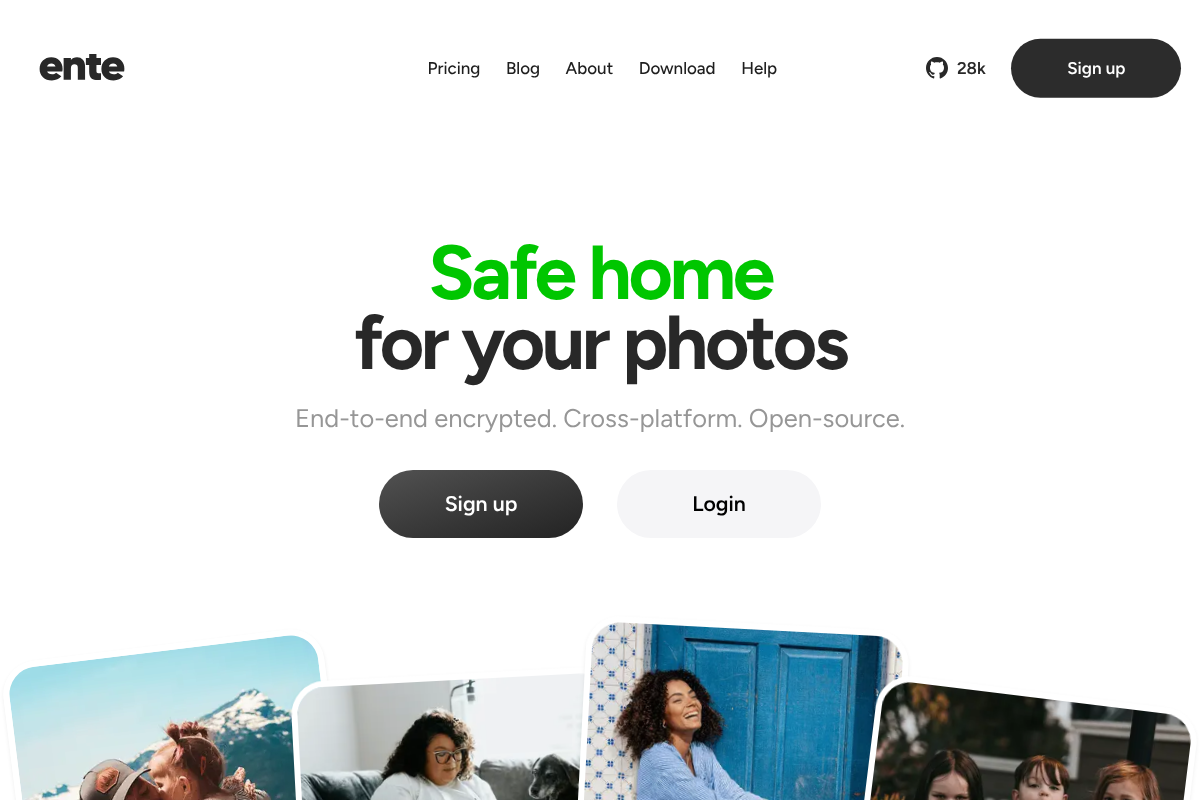
See Ente if you want private backup without hosting anything yourself.
immich
immich is the self-hosted app that feels closest to Google Photos, with automatic phone backup, shared albums, and a familiar interface. Crucially, its face recognition and smart search are optional and run on your own server, so you can simply leave them off and get pure backup, or turn them on knowing nothing leaves your machine. The honest catch is that self-hosting means you run and maintain a server, which is more than many families want, though it rewards you with total control.
Look at immich if you are comfortable running your own server.
Proton Photos
From the maker of Proton Mail, Proton Photos is part of Proton Drive and built end-to-end encrypted by default, so your images are private from the company by design. It suits families already using Proton for email or storage who want one privacy-first home for everything. The notes are that it is newer than some rivals and leans on paid storage plans, and its focus is secure backup rather than heavy photo-organizing features.
Consider Proton Drive if you want encrypted photos alongside encrypted files.
Apple iCloud Photos
For an all-iPhone household, iCloud Photos is the low-effort option. Apple does its People grouping on your device rather than mining your library for advertising, so the face sorting stays local and you can ignore or manage the People album. It is not open-source and is not fully end-to-end encrypted unless you enable Advanced Data Protection, but for families inside the Apple ecosystem it is private enough and effortless. The limits are the Apple-only nature and paid iCloud storage.
Nextcloud Photos
Nextcloud is a self-hosted personal cloud, and its Photos and Memories apps give you a private gallery you own outright. Face recognition is not built in by default, it is a separate optional add-on you choose to install, so the standard setup does no face grouping at all. It is a strong fit if you want photos alongside your own files and calendar. As with any self-hosted tool, you are responsible for running and updating it.
Synology Photos
If you would rather own a small appliance than manage software, a Synology NAS with Synology Photos keeps your whole library at home on a device you control. Its face and subject recognition are optional and processed locally on the NAS, never in a public cloud, so you decide whether to use them. The trade-off is the upfront cost of buying the NAS and drives, after which there are no monthly fees.
PhotoPrism
PhotoPrism is another self-hosted favorite, focused on a polished, searchable library that runs entirely on your own hardware. Its face recognition is optional and local, so you can enable it for private organizing or leave it off for plain backup. It appeals to more technical users who want powerful browsing without any cloud analysis. Expect a setup process and some maintenance, like the other self-hosted picks.
Amazon Photos (With a Caveat)
Amazon Photos is worth a mention because Prime members get generous photo storage at no extra cost, which is tempting for families. The honest caveat is that it does include a People face-grouping feature, the very thing this guide is about avoiding, so it only fits if you go into the settings and turn that off, and accept that it is not encrypted from the provider. Treat it as a budget backup rather than a privacy choice.
Turn It Off in Google Photos First
Before you migrate anything, know that Google Photos lets you switch off the features that bother you. Open Google Photos, go to Settings, and turn off Group Similar Faces, which stops the app from building face groups and, per Google, cuts off its access to that face data. Then manage Memories: you can hide specific people or dates, and turn off the memory notifications that resurface old photos. This does not make Google Photos end-to-end encrypted, but it stops the two behaviors most families object to, which may be enough if you are otherwise happy with it.
Quick Comparison
| App | Face grouping | AI Memories | Privacy model | Free tier |
|---|---|---|---|---|
| Ente | On-device, optional | No ad-style prompts | End-to-end encrypted | Yes (limited) |
| immich | Optional, local | Optional | Self-hosted | Free (self-host) |
| Proton Photos | Minimal | No | End-to-end encrypted | Yes (limited) |
| Apple iCloud | On-device | On-device | On-device, Apple account | Yes (5 GB) |
| Nextcloud | Off by default | Optional | Self-hosted | Free (self-host) |
| Synology Photos | Optional, local | Optional | Home NAS | Free with device |
| Google Photos (adjusted) | Can turn off | Can turn off | Cloud, provider sees library | Yes (limited) |
This roundup is general information, not legal or security advice. App features, encryption, pricing, and privacy settings change often, so confirm the current details on each maker’s site before trusting your family’s photos to it. Because these are personal images, including of children, review each app’s privacy policy and default settings, and turn off any face or scanning features you do not want before you upload.
Frequently Asked Questions
What are the best Google Photos alternatives with no face grouping?
Ente and Proton Photos are the easiest, because they are end-to-end encrypted, so no company can scan your library, and any grouping stays on your device. Self-hosted immich, Nextcloud, and PhotoPrism let you leave face detection off entirely on your own server. Apple iCloud Photos does its grouping only on-device. All of them avoid the cloud-side face analysis that Google Photos performs by default.
Do private photo apps still use face recognition?
Some do, but privately. In end-to-end encrypted apps like Ente, any face grouping runs on your own device, not on the company’s servers, so it is never analyzed by an outside party. Self-hosted apps like immich and PhotoPrism keep face detection optional and local, meaning you can turn it off or run it only on your hardware. The difference from Google Photos is where the processing happens and who can see it.
How do I stop Google Photos from grouping faces and showing Memories?
Open Google Photos, go to Settings, and turn off Group Similar Faces, which stops face grouping and, per Google, ends its access to that face data. For Memories, you can hide specific people or dates and turn off memory notifications in the same settings area. These steps stop the analysis and resurfacing without deleting your library, though they do not add encryption.
End-to-end encrypted vs self-hosted: which is more private for family photos?
Both are strong, with different trade-offs. End-to-end encrypted apps like Ente or Proton are private and easy, since the provider cannot read your photos and there is no server to run, but you rely on their service and storage plans. Self-hosted apps like immich keep everything on hardware you own with no third party at all, at the cost of setup and maintenance. For most families, encrypted-and-hosted is the practical sweet spot.
Is Apple iCloud Photos private for face grouping?
Reasonably, yes. Apple performs its People face grouping on your device rather than using your library to target ads, so the face data stays local to your devices and account. It is not open-source, and it is only fully end-to-end encrypted if you enable Advanced Data Protection, but for an all-Apple family that wants effortless backup without a company mining faces, it is a private and simple choice.
The Bottom Line
Wanting your photos backed up without being analyzed is a completely reasonable line to draw, and you do not have to give up convenience to hold it. For the least effort, an end-to-end encrypted app like Ente or Proton Photos keeps your family’s library private from the company entirely, while a self-hosted option like immich or Nextcloud gives you total control with face detection you can simply leave off. If you would rather stay put, turning off Group Similar Faces and Memories in Google Photos removes the two behaviors most families dislike. Pick the one that matches how hands-on you want to be, and read the defaults before you upload. For more on owning your data, see our guides to cloud storage that actually syncs your folders and keeping your location private on fitness apps, or browse the YouGottaRead Tech section.