The turn-by-turn voice cuts out, the map freezes on a gray grid, and the little blue dot drifts into nowhere. You are twenty miles down a county road with one bar that just became none, and the app you trusted has quietly stopped working. Everyone who drives beyond the suburbs eventually meets this exact moment.
Looking for Google Maps alternatives for offline driving comes down to one hard requirement: the app has to keep routing you when there is no signal at all. Google Maps can download an area, but the offline maps expire, rerouting is limited without data, and a wrong turn in a dead zone can leave you stranded. The apps below are built to work fully offline, and each handles the no-signal problem a little differently. Here is which one fits your kind of driving.
The Quick Rundown
For the most capable offline driving with real rerouting, OsmAnd is the top pick. Organic Maps is the best free and private choice, with maps that never expire, though its turn-by-turn is more basic. HERE WeGo and Sygic offer polished offline road-trip navigation, and MapFactor is a solid free option. iPhone drivers also get offline routing built into Apple Maps. Download your region before you leave, and bring a charger.
Why Google Maps Struggles in the Dead Zones
Google Maps does have an offline mode, and for a known city it works fine. The trouble starts on a rural drive. Downloaded areas expire after a set period and need refreshing, live traffic and rerouting lean on a data connection, and if you miss a turn where there is no signal, the app can struggle to put you back on course.
That is the gap the dedicated offline apps fill. They store the full map on your phone, calculate routes on the device itself, and keep recalculating when you stray, all without a single bar of service. For anyone who drives through farmland, mountains, or desert, that difference is the whole ballgame.
What Makes an App Truly Offline
Not every app that says offline actually navigates offline. Before you trust one on a remote road, check that it does four things without any data connection:
- Downloads full maps. Entire regions or countries stored on the phone, rather than cached tiles alone.
- Routes on the device. Calculates the whole turn-by-turn route offline, even with no signal at all.
- Reroutes offline. Recalculates when you miss a turn, which is the feature that saves you in a dead zone.
- Speaks and searches offline. Voice guidance and address search that keep working with no service.
Rerouting is the one people forget to test, and it is exactly the one you need most when the signal is gone.
The Options at a Glance
| App | Best for | Cost | Offline rerouting |
|---|---|---|---|
| OsmAnd | Most capable offline driving | Free with paid tiers | Strong |
| Organic Maps | Free, private, no map expiry | Free | Basic |
| HERE WeGo | Polished road trips | Free | Yes |
| Sygic | Premium road-trip features | Freemium | Yes |
| MapFactor | Simple free offline nav | Free | Yes |
| Apple Maps | iPhone offline routing | Free | Yes |
OsmAnd
If you want the deepest offline capability, OsmAnd is hard to beat. It runs on OpenStreetMap data, lets you download whole countries, and calculates and recalculates driving routes entirely on the phone, which is exactly what a dead zone demands.
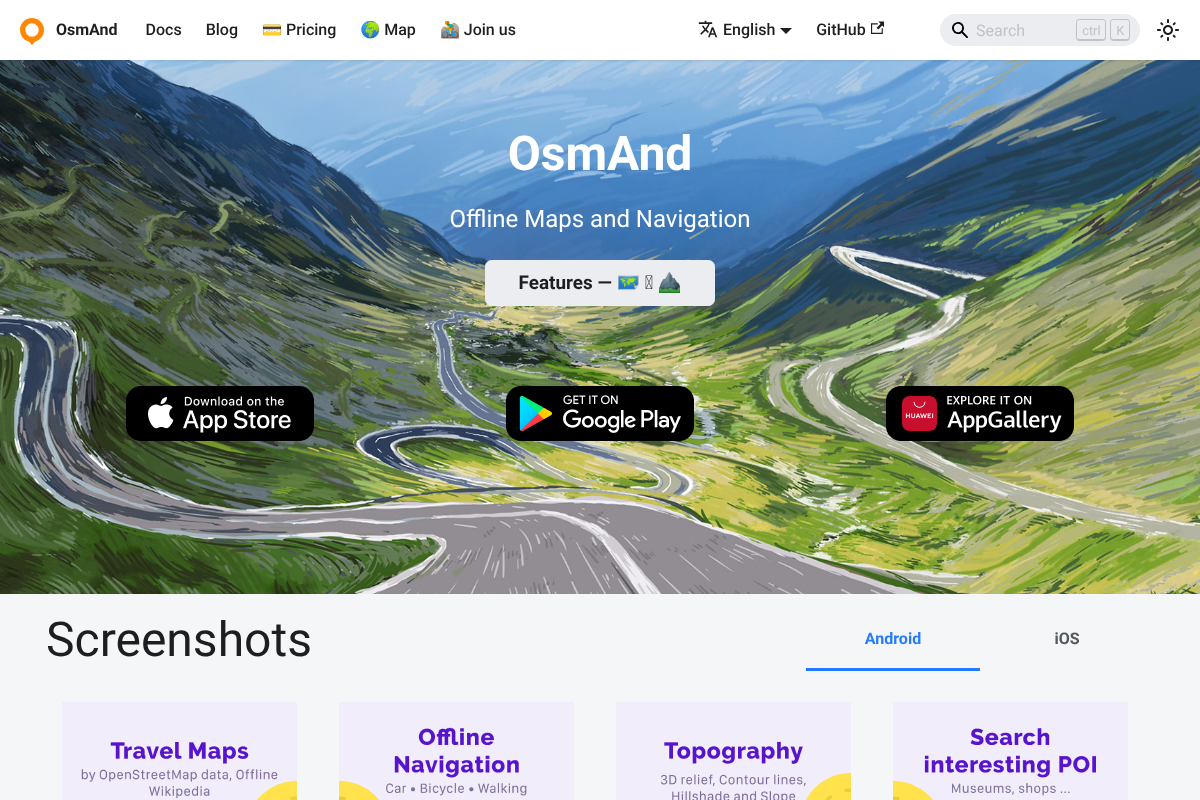
The trade-off is a busy interface with a lot of settings, and the free version caps how many map downloads you get before a one-time purchase, as OsmAnd’s own feature list details. For a serious rural driver, that learning curve buys the most reliable offline rerouting on this list.
Organic Maps
For a free and private option, Organic Maps is the crowd favorite. It uses OpenStreetMap, needs no account, and its downloaded maps never expire, which is a real advantage over Google’s timed downloads on a long trip, and Organic Maps is free with no ads.
Be honest with yourself about the trade, though. Its driving turn-by-turn and rerouting are simpler than OsmAnd’s, and some drivers find the guidance basic for complex routes. For straightforward point-to-point trips with no tracking, it is excellent, and it costs nothing.
HERE WeGo
HERE WeGo is a polished middle ground that many road-trippers like. It offers true offline turn-by-turn driving navigation once you download the region, with a cleaner interface than OsmAnd and no purchase required for the core features.
It is a strong pick for long highway drives and mixed city-and-country routes. Just download the areas you will pass through before you leave pavement, since the app is only as offline as the maps you remembered to save.
Sygic
Sygic leans premium, with the kind of extras that appeal to frequent road-trippers. Its offline maps, voice guidance, and driving features are well polished, and it adds touches like speed-limit warnings and lane guidance.
The core navigation is free, but the nicer features sit behind a subscription or one-time unlock. If you drive long distances often and want a more app-store-slick experience than the open-source options, it earns a look.
MapFactor Navigator
MapFactor is the quiet, no-drama free option. It uses OpenStreetMap data, downloads regions for offline use, and delivers turn-by-turn driving navigation without asking much of you.
It will not win a beauty contest against Sygic, but it does the job on a budget of zero. For a backup app to keep installed just in case, it is an easy one to load and forget until you need it.
Apple Maps for iPhone Drivers
If you carry an iPhone, do not overlook the map already on it. Apple Maps added downloadable offline areas, and it handles offline search and turn-by-turn driving directions within a region you have saved.
It is the least fussy option for Apple users, since there is nothing new to install. Download the area you are heading into ahead of time, and it will guide you through the gaps in coverage using the phone you already trust.
How to Set Up for a Dead-Zone Drive
The best app fails if you did not prepare it. Before you leave home Wi-Fi, download the full region you will drive through, including the empty stretches between towns where the destination download alone would leave you blind. Then test it: put the phone in airplane mode and confirm the app can still route and reroute.
One more thing the reviews always mention. GPS navigation drains a battery fast, so bring a car charger or a power bank. A perfectly downloaded map is useless on a dead phone at the worst possible moment.
Frequently Asked Questions
What are the best Google Maps alternatives for offline driving?
OsmAnd is the most capable for offline driving with real rerouting, Organic Maps is the best free and private option with maps that never expire, and HERE WeGo and Sygic offer polished road-trip navigation. MapFactor is a solid free backup, and iPhone users can use Apple Maps offline.
Does Google Maps work offline in rural areas with no signal?
Partly. Google Maps can download an area, but the maps expire, live traffic and rerouting need data, and it can struggle to recalculate after a missed turn with no signal. For remote driving, a dedicated offline app that reroutes on the device is more reliable.
OsmAnd vs Organic Maps: which is better for rural driving?
OsmAnd is better for serious rural driving because its offline routing and rerouting are more capable, though the interface is busier. Organic Maps is simpler, free, private, and its maps never expire, but its turn-by-turn guidance is more basic. Choose OsmAnd for reliability, Organic Maps for simplicity.
Do offline map apps still use GPS without a signal?
Yes. GPS location comes from satellites, not your cell connection, so your position still works with no signal. The offline app supplies the map and the routing on the device, which is why the combination keeps guiding you where a data-dependent app goes blank.
How do I download maps before a road trip?
Open your chosen app on Wi-Fi and download the entire region or state you will drive through, including the areas between towns. Then switch the phone to airplane mode and test that it routes and reroutes offline before you rely on it. Bring a charger, since navigation drains the battery.
The Bottom Line
Signal will always vanish somewhere on a good rural drive, so the fix is to stop depending on it. Pick OsmAnd if you want the strongest offline rerouting, Organic Maps if you want free and private, and download your whole route before you leave the driveway. Test it in airplane mode, pack a charger, and the dead zones stop being a problem. For more on planning a trip that goes smoothly, browse YouGottaRead’s Travel section, including our checklist of documents to verify before you travel.