Eight plain-English symptoms that point to a broken SPF, DKIM, or DMARC setup, and the quick check to run for each.
When your emails stop landing, the cause is usually invisible: your domain is failing authentication, and inbox providers are quietly filtering or rejecting your mail. This got far stricter recently. Since Gmail, Yahoo, and Microsoft tightened their sender rules, non-compliant senders now see a large share of their email routed to spam or bounced outright, while compliant ones sail through. The tricky part is that email domain authentication failing rarely announces itself, so you have to read the symptoms. Here are the eight clues, each mapped to the record behind it.
What To Know
Authentication rests on three DNS records: SPF says which servers may send for your domain, DKIM cryptographically signs your mail, and DMARC tells receivers what to do when the first two fail. If your mail is landing in spam, bouncing with authentication errors, or getting silently dropped, one of those three is almost always misconfigured. The good news is that most of these clues can be confirmed in a couple of minutes with a free record checker or by reading one email’s headers.

Table of Contents
1. Your emails suddenly started landing in spam
The most common first clue is a sudden drop in inbox placement, especially at Gmail and Outlook, when nothing about your content changed. Authentication problems are a leading reason mail gets filtered, and the penalty is steep: non-compliant senders can see a third or more of their email diverted to spam. The quick check is to send yourself a test message at a Gmail and an Outlook address and see where it lands, then open the headers to read the authentication results.
2. Bounces mention SPF, DKIM, or DMARC
Read your bounce messages instead of deleting them. A bounce that says something like “SPF check failed,” “DKIM signature not valid,” “DMARC policy,” or returns a 550 rejection is telling you exactly what broke. As of late 2025 the big providers issue permanent 550 rejections for non-compliant bulk mail rather than soft warnings, so these are not transient glitches. Match the error to the record it names and start there.
3. Recipients say they never got your email
Silent drops are the most frustrating symptom because you see no bounce at all. When a recipient insists your message never arrived and it is not in their spam either, a receiver may be rejecting or quarantining it based on a DMARC policy set to reject. If several people across different providers report the same disappearance, treat it as an authentication failure until proven otherwise, not a one-off.
4. Gmail shows a question mark or “via” on your sender
Gmail gives you visual tells. A red question mark where the sender avatar should be means Gmail cannot verify the message came from your domain, and a “via” some other domain next to your name means the sending service is not properly aligned with your domain. Both point to SPF or DKIM not covering the service you actually send from. Open one of your own emails in Gmail and look for these markers.
5. Your DMARC reports show rising failures
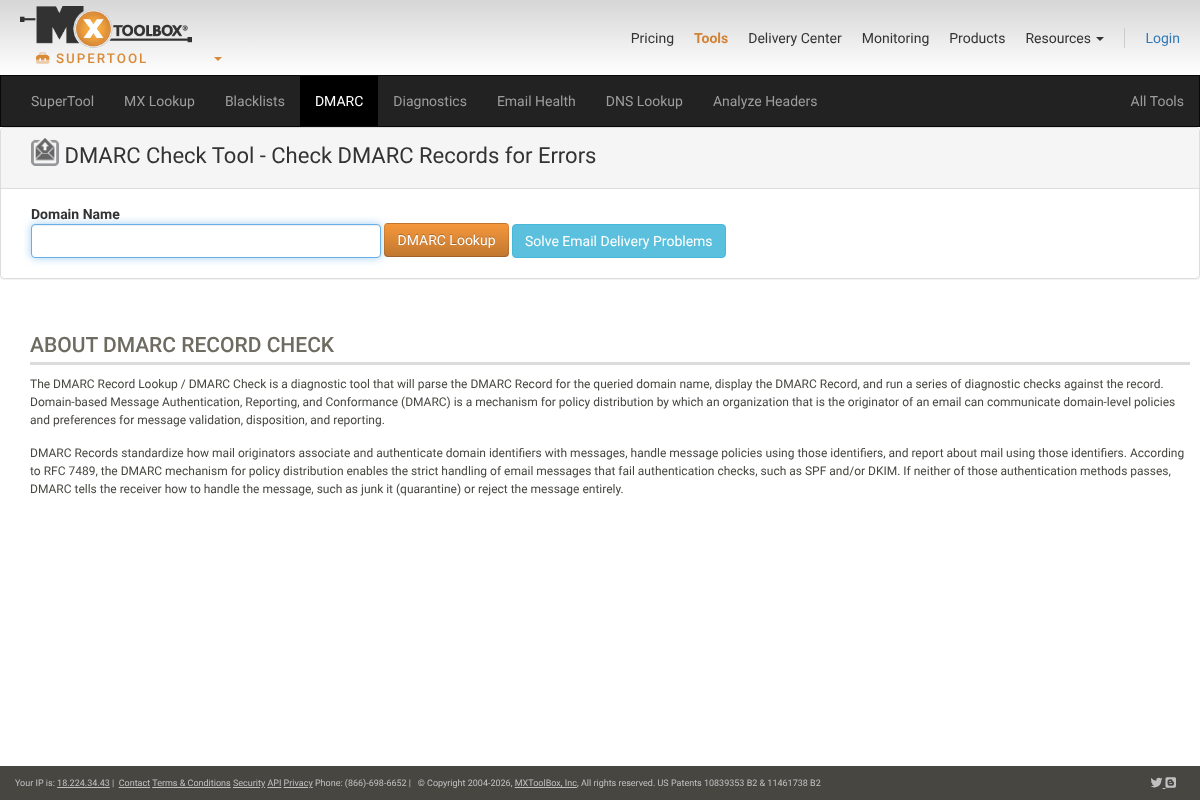
If you have DMARC set up with reporting, the aggregate reports are an early-warning system, showing which sources pass and fail authentication for your domain. A climbing fail rate means a sending source is not authenticated, often a new tool nobody added to your records. If you do not have DMARC yet, a free checker like the one above confirms whether your record exists and is valid, which is the fastest first diagnostic.
6. Delivery dropped right after you added a new sending tool
Think about what changed. If deliverability cratered soon after you connected a new CRM, newsletter platform, invoicing app, or help desk, that service is almost certainly sending as your domain without being authorized in your SPF record or signing with DKIM. Every service that sends on your behalf has to be added to your authentication setup. A new tool that “just started going to spam” is the classic signature of this gap.
7. Authentication passes but alignment fails
This is the subtle one that trips up people who think they are done. SPF and DKIM can technically pass while still failing DMARC because of alignment: the domain that authenticated does not match the domain in your visible From address. Your headers will show authentication as passing yet DMARC as failing, which is confusing until you know to look for it. What modern receivers check is alignment, not merely the presence of records.
8. Your bulk mail got blocked after the new sender rules
If you send at volume, the 2024 sender requirements may be the whole story. Any domain sending 5,000 or more messages a day to Gmail is permanently classified as a bulk sender, and that class must have SPF, DKIM, and DMARC, keep spam complaints under 0.3 percent, and offer one-click unsubscribe, per Google’s email sender guidelines. Miss any of those and your mail gets blocked. That bulk classification does not expire even if your volume later drops, so the requirements keep applying.
How We Chose These
We focused on symptoms a non-specialist actually notices, then tied each to the underlying record and a check you can run yourself. The list moves from the obvious, mail in spam and bounces, to the subtle, alignment failures and bulk-sender rules, so you can work down it and find your issue. The aim is to translate cryptic authentication problems into things you can see and fix, or hand to your provider with a clear description.
This article is general information and not a substitute for advice from your email provider or IT administrator. Authentication setup involves your domain’s DNS, so confirm changes with whoever manages it before editing records.
The Bottom Line
Email authentication fails quietly, so the symptoms are your best diagnostic. If mail is hitting spam, bouncing with SPF, DKIM, or DMARC errors, or silently vanishing, one of those three records is the culprit, and the fastest move is to check your records and read one message’s headers. Pay special attention to any new sending tool you added and to alignment, the failure that hides behind passing checks. Fix the record the symptom points to, and inbox placement usually recovers. For more on protecting your domain and accounts, see YouGottaRead’s guide to spotting account and domain scams, and browse the Business section.
Frequently Asked Questions
How do I know if my email domain is failing authentication?
The clearest signs are mail landing in spam, bounces that mention SPF, DKIM, or DMARC, and recipients who never receive your email. Confirm it by running a free DMARC or SPF record checker and by opening one of your sent messages and reading its authentication results in the headers.
What are SPF, DKIM, and DMARC?
They are three DNS records that authenticate your email. SPF lists the servers allowed to send for your domain, DKIM adds a cryptographic signature that proves the message was not altered, and DMARC tells receivers how to handle mail that fails SPF or DKIM and can send you reports. All three are now required for bulk senders to major providers.
Why do my emails pass SPF and DKIM but still fail DMARC?
This is usually an alignment problem. DMARC requires that the domain which passed SPF or DKIM matches the domain in your visible From address. If a sending service authenticates with its own domain rather than yours, the checks pass but DMARC fails. Fixing it means aligning the service to your domain, often via a custom sending domain and DKIM signing.
Do the 2024 Gmail and Yahoo rules apply to small senders?
The strictest requirements target bulk senders of 5,000 or more messages a day, but SPF, DKIM, and DMARC are good practice for everyone, and low-volume senders still benefit from authentication. Once you cross the bulk threshold to Gmail, that classification is permanent, so it is wise to be compliant before you scale.
How fast can I fix an authentication problem?
Diagnosing it takes minutes with a record checker and message headers. Fixing it means editing DNS records, which you or your administrator can usually do quickly, though DNS changes can take up to a day or so to propagate. After that, send test messages to confirm inbox placement has recovered.