Every fantasy manager knows the specific horror. You are half-watching a game, thumbing through the app to add a hot waiver pickup, and somewhere in that flurry of taps you drop the wrong guy. By the time your stomach lurches, the transaction has already gone through, and the player you meant to keep is sitting in the free-agent pool with a vulture from your league circling. It happens on every platform, and it happens fast.
So in the ESPN vs Sleeper waivers debate, which one actually protects you better from an accidental drop? The honest answer is that neither hands you a clean, one-tap undo once a drop has processed, and both lean on the same real safety net: your commissioner. This comparison looks at how each app’s add and drop flow works, why mistakes slip through, how to reverse one when it happens, and a simple routine that stops it happening at all.
The Short Answer
Neither ESPN nor Sleeper gives a manager a true self-serve undo for a drop that has already processed, so on that specific point they are more alike than different. Both require a confirmation step before a drop, and both rely on the league commissioner to reverse a mistake by editing your roster, provided the player has not been claimed by someone else. The real difference is interface style, and the real protection is your own routine plus quick commissioner contact.
Why Accidental Drops Happen
Accidental drops are a design problem more than a discipline problem. Modern fantasy apps are mobile-first, so you are managing a roster with your thumb on a small screen, often in a hurry during a game window, and a drop can be one confirmation tap away from an add. When you pick up a free agent and your roster is full, the app asks you to drop someone to make room, and that is the exact moment a rushed tap sends the wrong player packing. Notifications, a crowded player list, and muscle memory all conspire against you.
The stakes rise on waiver day, because a claim that processes overnight is harder to catch in the moment than a live free-agent add you can immediately see. By the time you open the app the next morning, the drop is done and the waiver wire has moved on. That is why prevention and a fast reversal plan matter more than which logo is on the app.
ESPN vs Sleeper: The Add and Drop Experience
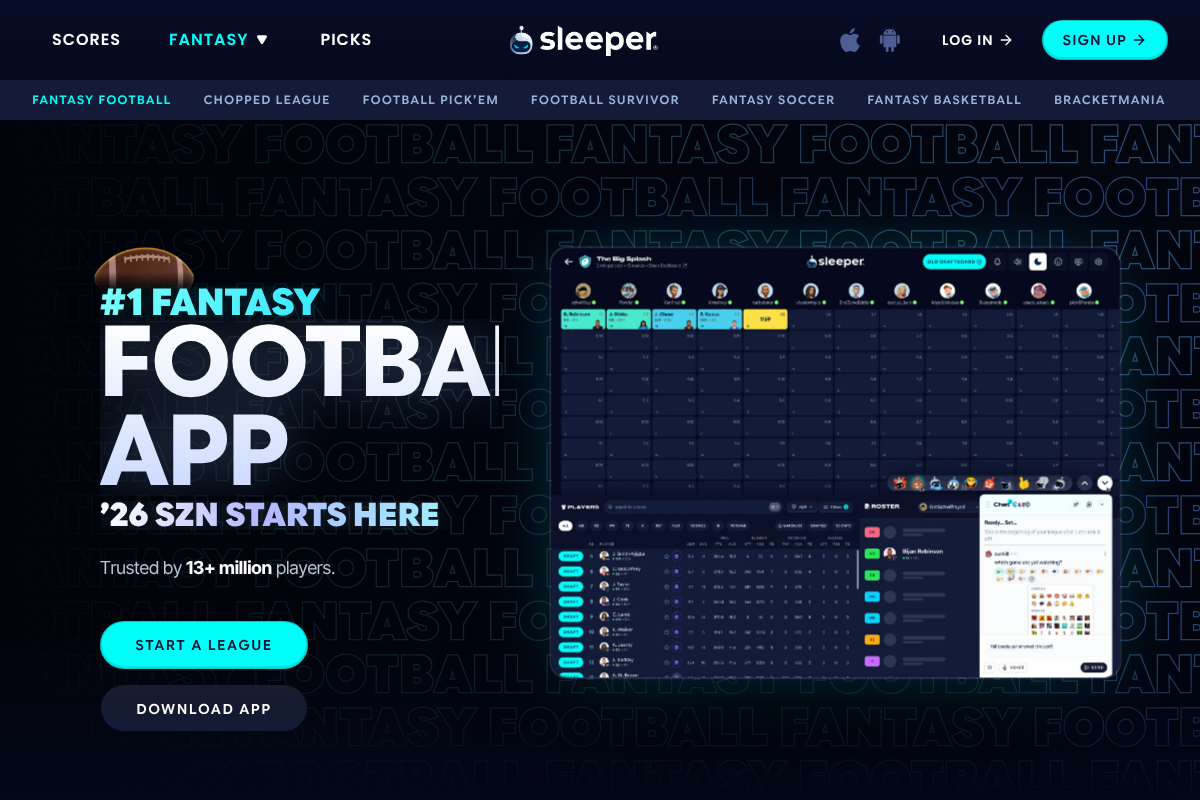
The two platforms feel quite different in the hand, even though their drop safeguards end up in a similar place. ESPN Fantasy is the familiar, content-rich option that many casual leagues default to, with a layout a lot of managers have used for years. Sleeper is mobile-first and built around chat and year-round activity, with a slick app experience that leans into quick, tap-driven roster management. You can see each platform’s approach on the ESPN Fantasy and Sleeper pages.
Both apps put a confirmation step in front of a drop rather than dropping a player on a single stray tap, and both let a full roster trigger a drop prompt when you add someone. Where they are genuinely alike is the aftermath: once a drop has processed, neither gives the manager a personal undo button to reverse it. So the honest framing is that your safeguard is the confirmation dialog on the way in, and your commissioner on the way out, on either platform.
Quick Comparison
| Feature | ESPN Fantasy | Sleeper |
|---|---|---|
| Interface style | Familiar, content-rich | Mobile-first, chat-centered |
| Confirmation before a drop | Yes | Yes |
| One-tap undo of a processed drop | No | No |
| Commissioner can reverse a drop | Yes, via roster edit | Yes, via roster edit |
| Best guardrail | Your routine and settings | Your routine and settings |
The Real Safety Net: Your Commissioner
When a drop has already gone through, the reliable fix on either platform is the league commissioner, who can edit team rosters and add the mistakenly dropped player back. This works only if the player is still available and has not been claimed by another manager, which is why speed is everything. The widely used league etiquette is to message your commissioner the moment you notice, ideally within the hour and certainly before any news breaks about that player, and many leagues set a rule allowing a reversal if you report it within 24 hours.
Practically, that means the recovery plan is the same regardless of ESPN or Sleeper: notice fast, contact your commissioner immediately with the exact player and what happened, and hope no one has scooped him up. If you are the commissioner, know where your platform’s roster-editing tools live before the season gets tense, and consider setting a clear, written accidental-drop policy so everyone knows the window and the process. For platform specifics, the ESPN support site is the place to confirm current steps.
A Mistake-Proof Add and Drop Routine
Since prevention beats any undo, build a routine that makes a wrong drop far less likely on whichever app you use:
- Slow down on the confirmation screen. Actually read the name you are dropping before you tap confirm, rather than swiping through on autopilot.
- Make roster room first. If you know you are adding someone, decide who you are dropping before you start, so you are not choosing under time pressure mid-transaction.
- Do big moves on a bigger screen. When possible, make important adds and drops on a tablet or desktop rather than one-handed on a phone during a game.
- Double-check waiver claims. Review your pending claims and the drop attached to each before the overnight processing window, since those are the ones you cannot catch live.
- Know your commissioner’s rule. Confirm your league’s accidental-drop policy and how to reach the commissioner fast, so a mistake becomes a quick message rather than a lost player.
This is general guidance for managing fantasy rosters, and app features, confirmation flows, and league settings differ by platform and change over time, while reversal outcomes depend on your specific league’s rules and commissioner. Confirm the current steps in each app’s official help resources and with your league before you rely on them. This article is about avoiding roster mistakes and does not offer betting or gambling advice.
Frequently Asked Questions
ESPN vs Sleeper waivers: which prevents more accidental drops?
They are closer than most managers assume. Both ESPN and Sleeper put a confirmation step before a drop and let a full roster trigger a drop prompt when you add a player, and crucially, neither offers a personal one-tap undo once a drop has processed. The bigger difference is interface style, ESPN being familiar and content-rich, Sleeper being mobile-first, so the real protection on either is your own careful routine plus a quick line to your commissioner if something slips through.
Can you undo an accidental drop in fantasy football?
Not by yourself once it has processed. Neither ESPN nor Sleeper gives a manager a self-serve undo button for a completed drop, so the fix is your league commissioner, who can edit rosters and add the player back. This only works if the player has not already been claimed by someone else, which is why you should report the mistake immediately, before any news about the player breaks. Speed is the single biggest factor in getting him back.
How do I get a dropped player back on ESPN or Sleeper?
Contact your commissioner right away with the exact player and what happened. On both platforms, a commissioner can edit team rosters to reverse an accidental drop, provided the player is still available and no one has claimed him. Many leagues allow this if you report within a set window, often 24 hours, but the sooner the better. If the player has already been picked up by another manager, a reversal usually is not possible without that manager agreeing to give him back.
Does Sleeper or ESPN have a confirmation before dropping a player?
Yes, both ask you to confirm a drop rather than dropping a player on a single stray tap, and both prompt you to drop someone when you add a player to a full roster. The weak point is not the absence of a confirmation but the speed at which people tap through it during a busy game window. Slowing down to actually read the name you are dropping is the simplest, most effective safeguard on either app.
How can I stop accidentally dropping players?
Build a routine that removes the rush. Decide who you are dropping before you start an add, read the confirmation screen carefully instead of swiping past it, and make important moves on a larger screen when you can rather than one-handed on your phone. Review waiver claims and their attached drops before the overnight processing window, and know your commissioner’s accidental-drop policy so any mistake becomes a fast fix rather than a lost season.
The Bottom Line
If you are choosing between ESPN and Sleeper hoping one will save you from yourself, temper that expectation: on accidental drops specifically, they are more similar than different, since both confirm a drop and neither offers a personal undo after it processes. Pick the app whose overall feel you prefer, ESPN for the familiar and content-rich, Sleeper for the slick and mobile-first, then do the work that actually protects your roster. Slow down at the confirmation screen, prepare your drop before you add, and know exactly how to reach your commissioner, because a fast message is the closest thing to an undo button either platform has. For related app tips, see our guides to fixing notification settings so you never miss an alert and app permissions that break after an OS update, or browse the YouGottaRead Sports section.