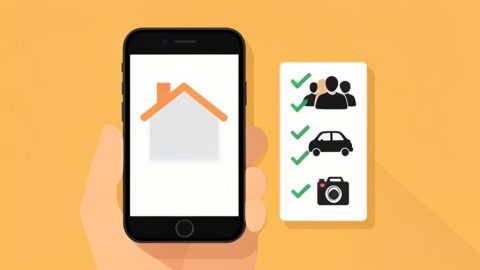
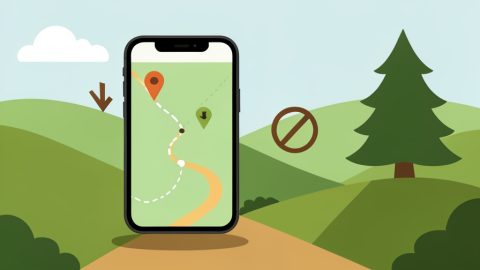
The pitch for Tap to Pay on iPhone is perfect for a pop-up: no card reader to carry, no dongle to charge, just tap a customer’s card straight on your phone. Then you set up at an outdoor market or a basement event space, the bars on your phone drop to nothing, and the whole thing quietly stops working. Suddenly the reader-free dream is a customer holding a card while your phone spins. That gap between “tap on your phone” and “works with no signal” is the real problem to solve.
If you are shopping for Square POS alternatives with offline support, the honest first thing to know is that Tap to Pay on iPhone and offline mode do not currently go together on almost any provider. Tap to Pay needs an internet connection, and offline card acceptance generally requires a small hardware reader. So the right pop-up setup is really about combining the two smartly. Here are the alternatives worth considering, how each handles offline, and the fix that keeps you taking cards in a dead zone.
The Short Answer
Tap to Pay on iPhone requires internet, so it will not process offline on its own. To take cards with no signal you need a provider whose offline mode runs through a card reader, such as PayPal Zettle, SumUp, Shopify POS, or Clover, or you keep your phone online with a mobile hotspot so Tap to Pay simply works. Offline payments also carry risk, since declines and chargebacks fall on you, and providers cap amounts and time.
The Catch: Tap to Pay on iPhone Needs Internet
This is the part most guides skip, and it decides everything. Tap to Pay on iPhone accepts a contactless card or phone tapped right on your device, but it needs an active internet connection to authorize the payment, so it cannot run in true offline mode. Offline card acceptance, where a provider stores a transaction and forwards it once you reconnect, is offered by several companies, but across the major ones it works through a hardware card reader, not through Tap to Pay on iPhone. Square, SumUp, Clover Go, and others all note this same limitation. A newer iOS store-and-forward capability is starting to change that, but support is provider-by-provider, so you cannot assume it. In short: for a dead zone today, plan on a reader or a way to stay online.
How We Chose These Picks
Since the goal is a pop-up that keeps taking cards anywhere, we judged each option on two things together: whether it offers Tap to Pay on iPhone for the easy, reader-free days, and how it handles offline card payments when the signal drops. We also weighed pricing, since pop-up margins are thin, and how simple the setup is for a one-person stall. Because offline mode carries real risk, we favored providers that are clear about their limits rather than ones that hide them.
The Best Square Alternatives for Pop-Ups
1. PayPal Zettle
Zettle is a strong Square-style option with Tap to Pay on iPhone for reader-free days and offline card payments through the PayPal Reader when you lose signal, using a store-and-forward flow. It plugs into the wider PayPal ecosystem, which many customers already trust. The honest caveats: the offline capability runs through the reader rather than Tap to Pay, and it has been rolling out in controlled availability, so confirm it is active for your account before you rely on it at an event.
2. SumUp
SumUp is built for exactly this kind of small, mobile selling, with simple pay-as-you-go pricing and Tap to Pay on iPhone that you can switch on in minutes. It now supports offline transactions through a store-and-forward flow too, which is a meaningful upgrade for market vendors. The catch is the same industry-wide one: SumUp’s offline mode is not available for Tap to Pay, so you take offline payments through a SumUp card reader. For a low-overhead pop-up, it is one of the easiest to start with.
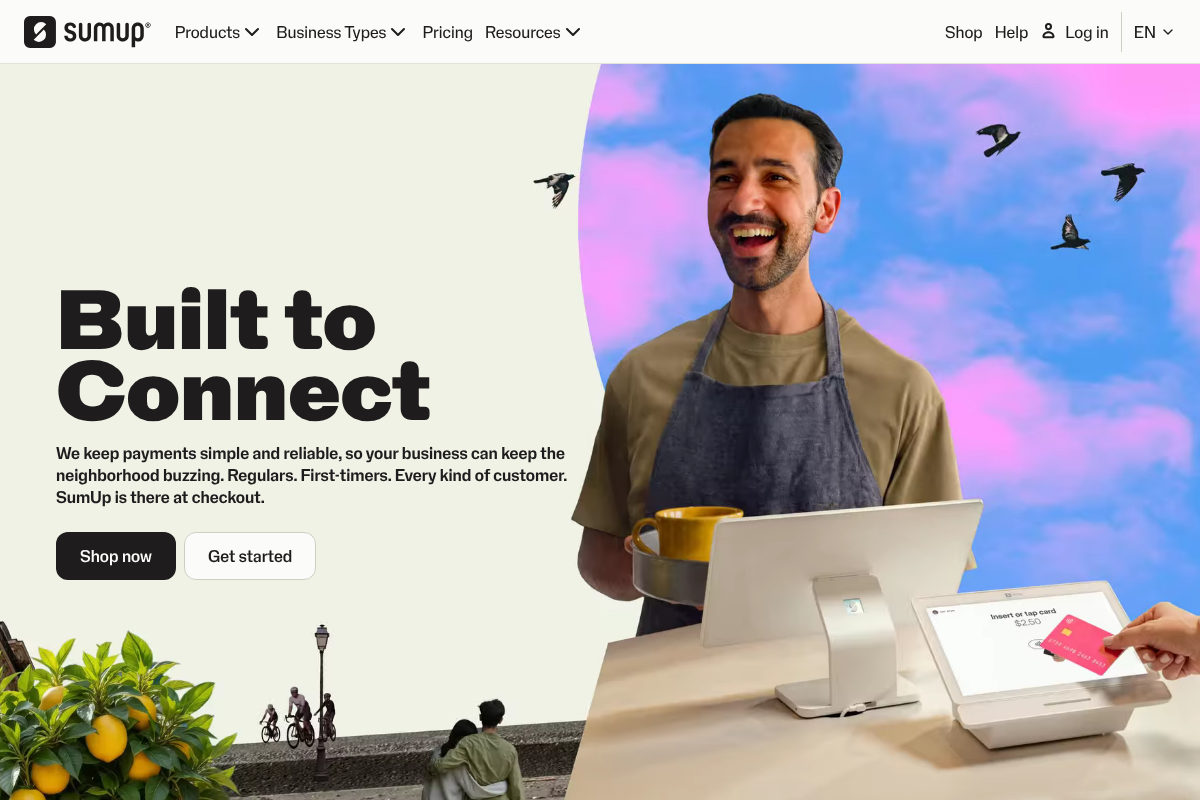
You can compare hardware and plans on the SumUp site.
3. Shopify POS
If you also sell online, Shopify POS is the natural pick, with Tap to Pay on iPhone and a single inventory across your web store and your stall. It can accept card payments offline, but only through a compatible Shopify card reader, and the setting is off by default, so you must enable offline checkout before your connection drops. That pre-planning requirement is the thing to remember. It is more than a bare-bones pop-up needs, but unbeatable if your booth is an extension of an online shop.
4. Clover Go
Clover is a full-featured system, and Clover Go brings Tap to Pay on iPhone to a mobile setup. The important nuance for offline: Clover Go itself requires an active connection and does not do offline payments, whereas Clover’s countertop hardware like the Mini and Flex can store offline transactions, by default for up to seven days. So with Clover, going truly offline means bringing a Clover device rather than relying on your iPhone alone. It suits vendors who want a heavier, more expandable system than a simple tap app.
5. Stripe
Stripe offers Tap to Pay on iPhone and an offline, store-and-forward mode through its Terminal platform, so the capability is there. The honest caveat is that Stripe is developer- and platform-oriented, so you typically use it inside an app built on Stripe rather than as a turnkey pop-up tool out of the box. If you already run on Stripe or use a point-of-sale app powered by it, this is a natural fit; if you want to download an app and start selling this afternoon, one of the options above is simpler.
6. Square itself (worth a second look)
It is only fair to note that if offline is your one gripe with Square, you may not need to leave. Square offers Tap to Pay on iPhone and an offline mode, though, like everyone else, its offline payments run through a reader rather than Tap to Pay, and come with amount and time limits at your risk. So the real question is not always “which alternative,” but “do I have the right hardware and settings.” Sometimes a Square reader plus offline mode enabled solves the exact problem you were trying to switch away from.
Quick Comparison
| Provider | Tap to Pay on iPhone | Offline card payments | How offline works |
|---|---|---|---|
| PayPal Zettle | Yes | Yes | Through PayPal Reader |
| SumUp | Yes | Yes | Through a SumUp reader |
| Shopify POS | Yes | Yes (enable first) | Through a Shopify reader |
| Clover Go | Yes | No (Go); yes on Mini/Flex | Through Clover hardware |
| Stripe | Yes | Yes | Terminal store-and-forward |
| Square | Yes | Yes | Through a reader |
The Real Fix for Dead Zones
Here is the practical truth after all the comparisons. The simplest way to keep a pop-up taking cards is to stay online, so bring a mobile hotspot or use your phone’s own hotspot at the stall, and Tap to Pay on iPhone just works with no offline gymnastics. If dead zones are unavoidable, carry a small offline-capable reader from one of the providers above as your backup, and turn offline mode on before you lose signal. Either way, understand the risk: offline payments are authorized later, so a declined or expired card is your loss, and providers cap how much and how long you can store. For most vendors, a hotspot is the cheapest insurance there is.
This is general information for small businesses, not financial advice, and payment features, offline support, pricing, and limits change often and vary by provider, region, and device. Offline card acceptance carries real risk, since some stored transactions may decline or be charged back to you. Confirm current capabilities and limits directly with each provider, such as Square and Apple, before relying on them at an event.
Frequently Asked Questions
What are the best Square POS alternatives with offline support for pop-ups?
PayPal Zettle, SumUp, Shopify POS, and Clover all offer Tap to Pay on iPhone plus offline card acceptance, though offline runs through a card reader rather than Tap to Pay itself. Stripe supports both through its Terminal platform if you use a Stripe-powered app. Match the pick to your setup: SumUp for simple low-cost selling, Shopify POS if you also sell online, and remember a hotspot often solves the offline problem outright.
Can Tap to Pay on iPhone work without internet?
No. Tap to Pay on iPhone needs an active internet connection to authorize each payment, so it cannot process transactions in true offline mode on its own. Offline card acceptance is a separate feature that stores a transaction and forwards it when you reconnect, and across the major providers it works through a hardware card reader, not through Tap to Pay. A newer iOS store-and-forward capability is emerging, but support depends on your provider.
How do pop-up vendors take card payments with no signal?
Two reliable ways. First, stay online with a mobile hotspot or your phone’s hotspot, so Tap to Pay on iPhone works normally, which is the simplest fix. Second, use a provider’s offline mode through a compatible card reader, enabling it before you lose signal. Offline mode stores payments to process later, so know the amount and time limits and accept that a declined or expired card becomes your loss.
Is offline card acceptance risky?
Yes, somewhat. When you take a payment offline, it is not authorized until you reconnect, so if the card is declined, expired, or later disputed, the loss can fall on you rather than the processor. That is why providers cap how much you can store offline and for how long, for example some Clover devices default to seven days. Offline mode is useful for short dead zones, but for large sales a hotspot to stay online is safer.
Do I have to leave Square to get offline payments?
Not necessarily. Square offers both Tap to Pay on iPhone and an offline mode, though its offline payments go through a reader rather than Tap to Pay and come with limits, like other providers. If offline is your only complaint, adding a Square reader and enabling offline mode may solve it without switching. Compare on total pricing and the hardware you would carry, since the alternatives are similar in how they handle offline.
The Bottom Line
The clean version of the pop-up dream, Tap to Pay on your iPhone with nothing else to carry, only works while you have signal, and no major provider runs offline payments through Tap to Pay today. So the smart setup pairs Tap to Pay for the easy days with a plan for the dead zones: a mobile hotspot to stay online, or a small offline-capable reader from PayPal Zettle, SumUp, Shopify, or Clover as backup, used with a clear understanding of the risk and limits. Sometimes even sticking with Square plus a reader is the answer. For more on getting paid smoothly, see our guides to Stripe payout holds and whether alternatives are worth it and switching payment processors without breaking billing, or browse the YouGottaRead Business section.