The first time a client’s accounts payable team bounces your invoice because it is missing a purchase order number, it is a genuine shock. The work is done, the amount is right, and the payment still will not move, because a procurement system somewhere refuses to match your invoice to anything. Suddenly a detail you never thought about becomes the only thing standing between you and getting paid. Choosing the right invoicing tool for these clients is really about handling that one detail well.
Comparing invoicing tool alternatives when your clients require purchase order numbers is a narrower question than picking accounting software in general. What matters is whether the tool has a proper PO number field, whether that number lands clearly on the invoice a procurement system reads, and how gracefully you can fix and reissue an invoice when the PO is wrong. Here is a practical way to compare your options, plus how the main tools actually handle it.
The Short Answer
Compare invoicing tools on one thing first: a dedicated, clearly labeled purchase order field that appears on the finished invoice, not a PO number buried in a notes box. Then check for custom fields, the ability to link an invoice to a PO, and clean edit-and-reissue with an audit trail for when procurement rejects one. Tools like Zoho Invoice and QuickBooks handle PO fields well; verify the current features before you commit.
Why a PO Number Field Is Not Optional Here
For a procurement-driven client, the purchase order is how the whole payment machine works. The buyer issues a PO to authorize the spend before the work happens, and their accounts payable system will only pay an invoice it can match back to that PO. If your invoice does not carry the PO number, clearly labeled, it fails the match and sits unpaid, often with no one telling you why. Increasingly, corporate AP systems also read invoices automatically, so a PO number that is mislabeled or stuffed into a comment field can be missed by the software entirely. That is why this one field carries so much weight.
What to Compare
Run each tool you are considering through these seven checks, roughly in priority order:
1. A dedicated, labeled PO number field
The most important feature is a proper field for the purchase order number that prints on the invoice with a clear label, rather than you typing “PO: 12345” into a notes box. A labeled field is what a procurement system and an automated reader expect to find. If a tool cannot show the PO number as its own line on the invoice, treat that as a serious mark against it.
2. Custom fields for the rest of the details
Procurement clients often need more than a PO number, such as a cost center, a requisition number, or a specific tax or vendor ID. A tool that lets you add custom fields to invoices can carry all of that, so you are not fighting the template every time. The more of the client’s required references you can place cleanly on the invoice, the fewer rejections you get.
3. The PO number renders clearly and machine-readably
Check what the finished invoice actually looks like, in PDF and in the emailed version, since that is what the client’s system ingests. The PO number should be prominent, consistently placed, and tied to its label. If the tool only supports it awkwardly or hides it, an automated importer may not catch it, and you are back to chasing a human.
4. Linking an invoice to a purchase order
For larger engagements, you may bill against a single PO several times. A tool that lets you reference the same PO across multiple invoices, or track how much of a PO you have billed, saves you from manual bookkeeping and helps the client reconcile. This matters more the bigger and longer the project.
5. Clean editing, reissue, and an audit trail
Rejections happen, often over a wrong or missing PO. You want to correct the invoice and reissue it without a mess: a clear record of the original and the revision, sensible handling of invoice numbers, and a history you can point to. A tool that keeps an audit trail of changes protects you if there is ever a dispute about what was sent when.
6. Approval and status tracking
Some clients route invoices through an approval chain, and some freelancers want their own light approval before an invoice goes out. Being able to see an invoice’s status, sent, viewed, approved, or paid, tells you where things stand without emailing to ask. It is not essential for everyone, but it is useful for procurement-heavy work.
7. Delivery to the client’s system
Finally, look at how the invoice reaches the client. Some large buyers want invoices uploaded to a supplier portal or sent in a particular format. At minimum you want a clean PDF and email; better tools offer export options that fit into more procurement systems. Match this to how your specific clients actually accept invoices.
How the Main Tools Handle PO Numbers
Here is how several common options compare on the essentials. Features change, so confirm the current details with each vendor before deciding:
| Tool | PO number handling | Custom fields | Honest note |
|---|---|---|---|
| Zoho Invoice | Dedicated PO field | Yes | Free; fits best if you use other Zoho apps |
| QuickBooks Online | Customizable templates for a PO field | Yes | Widely accepted by AP teams; paid plans |
| FreshBooks | Reference field for the PO (short) | Limited | Puts PO on the invoice, but not a PO-matching system |
| Xero | Uses the Reference field for the PO | Limited | Long-standing user requests for a dedicated PO field |
| Wave | Simpler, more limited | Limited | Free; verify current PO or reference options fit your clients |
According to FreshBooks, no customer will pay an invoice without their purchase order number on it, which is exactly why the field, not the price, is your first filter. Zoho Invoice includes a dedicated purchase order field, QuickBooks lets you add one through its customizable templates, and FreshBooks provides a reference field for the PO while stopping short of full PO-to-bill matching. Xero places the PO in its Reference field and has seen repeated requests for a dedicated one. None of this makes any tool bad; it just decides which fits a PO-required workflow.
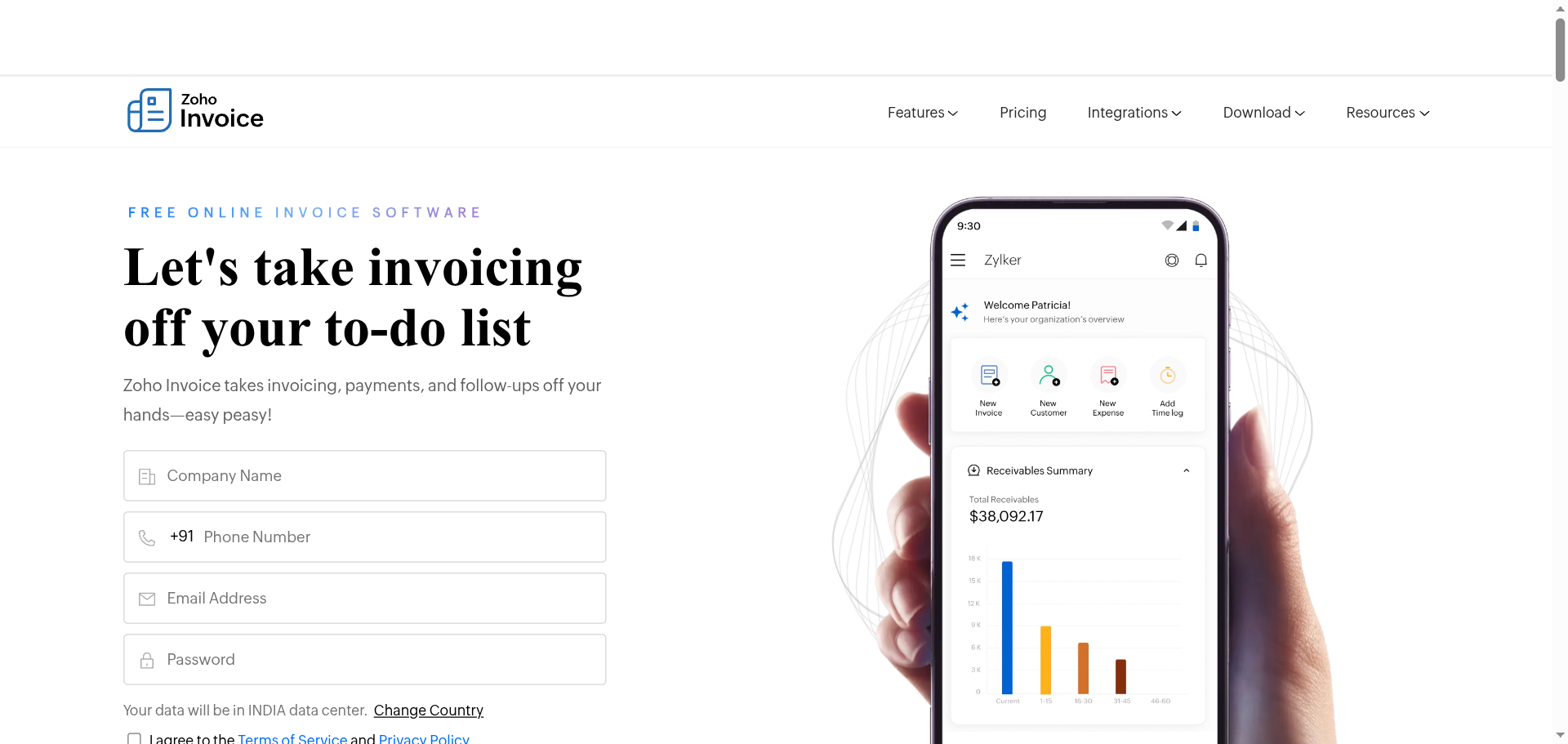
You can review the features on the Zoho Invoice site.
A Simple Workflow for PO-Required Invoices
Once you have the right tool, a little discipline prevents most rejections:
- Get the PO before you invoice. Ask the client for the purchase order number up front, ideally before the work starts, so you never invoice without it.
- Put it in the dedicated field, not the notes, so it lands on the invoice where their system looks.
- Match your line items to the PO. Bill what the PO authorized, in the same terms, so the amounts reconcile cleanly.
- Keep a simple PO tracker. Even a spreadsheet listing each PO and what you have billed against it prevents double-billing and confusion.
- Reissue cleanly if bounced. Fix the PO, keep the record of the correction, and resend promptly rather than starting over.
This is general information about invoicing workflows, not legal, tax, or accounting advice. Software features, field labels, and pricing change over time and vary by plan and region, so confirm each tool’s current capabilities on its own site, and check your client’s specific invoicing requirements, before you rely on any of this. For significant billing or tax questions, consult a qualified accountant or bookkeeper.
Frequently Asked Questions
How do I compare invoicing tool alternatives when clients require a PO number?
Start with one question: does the tool have a dedicated, labeled purchase order field that appears on the finished invoice? Then check for custom fields, the ability to link an invoice to a PO, clean edit-and-reissue with an audit trail, and how the invoice is delivered. Judge tools on how well they handle the PO workflow specifically, not on their general feature lists, and confirm the current capabilities before committing.
Which invoicing tools have a dedicated purchase order field?
Zoho Invoice includes a dedicated purchase order field, and QuickBooks Online lets you add one through its customizable invoice templates. FreshBooks offers a reference field you can use for the PO number, and Xero places the PO in its Reference field, though it has faced long-standing requests for a dedicated one. Features change, so verify the current setup on each vendor’s site before you choose.
Why won’t my client pay an invoice without a PO number?
Because their accounts payable system is built to match every invoice to an authorizing purchase order before releasing payment. Without the PO number, the invoice cannot be matched, so it stalls, sometimes with no notification to you. Many corporate systems now read invoices automatically too, so a missing or mislabeled PO number can cause an automatic rejection. Getting the PO onto the invoice, clearly labeled, is what unblocks payment.
Can I just type the PO number in the invoice notes?
You can, but it is risky. A procurement system, or the software reading the invoice automatically, expects the PO number in a recognized, labeled field, and a number tucked into a comments box may be missed entirely. It also looks less professional to an AP team. A dedicated PO field is far more reliable, which is exactly why it is the first thing to look for when comparing tools.
What should I do when a client rejects my invoice over the PO?
Find out the exact issue, usually a wrong, missing, or expired PO number, then correct it in the invoice’s PO field and reissue promptly. Keep a record of the original and the revision so there is a clear trail, and confirm the corrected invoice was received. Going forward, collect the PO before you invoice and keep a small tracker of POs and what you have billed, which prevents most repeat rejections.
The Bottom Line
When your clients live inside procurement systems, the best invoicing tool is simply the one that handles their purchase order number cleanly. Compare on the PO field first, then custom fields, invoice-to-PO linking, and how easily you can reissue a rejected invoice with a clear audit trail. Zoho Invoice, QuickBooks, and FreshBooks all put a PO on the invoice in different ways, so match the tool to how your clients actually pay, and confirm the current features before you switch. Get the PO up front, put it in the right field, and most payment delays simply disappear. For more on getting paid smoothly, see our guides to Stripe payout holds and whether alternatives are worth it and PayPal alternatives for freelancers who keep hitting holds, or browse the YouGottaRead Business section.