


You find a used EV with clean paint, low miles, and a price that feels like a win, so you get ready to send a deposit to hold it. Then it hits you: the one part that decides whether this is a bargain or a five-figure mistake is the battery, and a test drive tells you almost nothing about it. A dashboard range number on a cold morning can look alarming and mean nothing, or look fine and hide a pack near the end of its life.
Requesting the right used EV battery health screenshots before you commit turns that guesswork into evidence. With a wave of three-year lease returns hitting the used market in 2026, sellers can produce these views from the car and its apps in minutes, and the ones who hesitate tell you something too. Here are the nine screenshots to ask for before any money changes hands, and what each one should show.
The 9 Screenshots to Request
- Full-charge range: the estimate at 100%, versus the original.
- State of health: the in-car battery health readout.
- Third-party report: a Recurrent or AVILOO certificate.
- OBD scan: a battery app’s health reading.
- Fast-charge power: peak kW during a live session.
- Charging history: total energy and fast-charge count.
- Odometer and charge limit: mileage plus the set cap.
- Warranty status: remaining battery coverage and start date.
- Warning lights: a dashboard clear of battery faults.
1. The Range at a Full 100% Charge
Start with the headline number. A screenshot of the estimated range when the car is charged to 100% tells you how far the pack still goes, and comparing it to the model’s original EPA range gives a rough read on degradation.
Treat it as a clue, not a verdict. Displayed range shifts with temperature and recent driving, so a cold-weather figure can look worse than the battery really is. That is exactly why the next few screenshots, which read the actual state of health, matter more than this one alone.
2. The In-Car State of Health Readout
State of health, or SoH, is the number that counts. It expresses the battery’s current capacity as a percentage of when it was new, and many EVs can display it, whether as a percentage or, on a Nissan Leaf, as the row of capacity bars.
Ask for a screenshot of whatever health screen the specific model offers. As a rough guide often cited by EV specialists, above 90% is excellent for a three-to-five-year-old car, and 85% and up is generally healthy, while a figure near 70% is a warning sign worth serious caution.
3. A Third-Party Battery Report
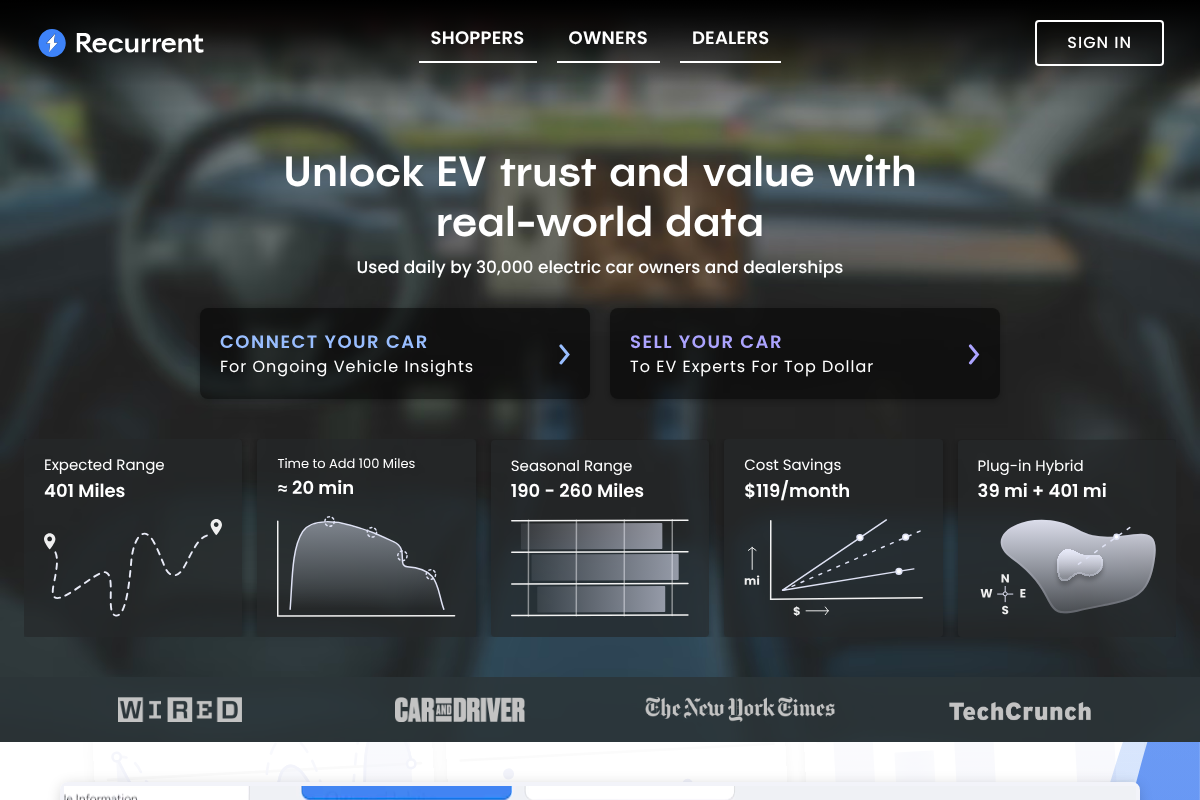
An independent report is the gold standard. Services like Recurrent or AVILOO act as a battery-specific vehicle history, comparing this pack against others of the same model and age to estimate its true health and range.
More 2026 listings include one, and it is fair to ask a private seller to run it. The certificate typically pays for itself in negotiation, and a seller who refuses to provide any independent read on a car whose value is mostly its battery is telling you to walk.

4. An OBD Battery App Reading
For a direct look, the car’s own computer can be read. A cheap OBD-II scanner paired with an app, LeafSpy for a Leaf, Scan My Tesla for a Tesla, or Car Scanner for many others, pulls state-of-health data straight from the battery management system.
Ask the seller to plug one in and screenshot the health figure, or bring your own scanner to the viewing. This bypasses the dashboard’s estimates and shows the number the car itself calculates, which is about as close to ground truth as a buyer can get.
5. Peak Fast-Charging Power
How fast it charges hints at the battery’s condition. A screenshot of a live DC fast-charging session showing the peak kilowatts reveals whether the pack still accepts a strong charge, since an aged or heat-stressed battery often tapers to lower power sooner.
Ask for a photo of the charging screen at a high state of charge deficit, ideally around 20 to 50%, where a healthy pack should hit near its rated peak. A session that never climbs to expected numbers is worth asking more questions about.
6. The Lifetime Charging History
How the battery was treated matters as much as its age. Many EVs and their apps show lifetime energy used and a count of DC fast charges, and a pack that lived on high-power fast charging can age faster than one charged gently at home.
Request a screenshot of the charging summary if the model provides it. A car with heavy fast-charge history and higher mileage is not automatically bad, but paired with a low state of health, it helps explain the number and sharpen your offer.
7. The Odometer and Charge Limit
Context turns raw numbers into meaning. A screenshot showing the odometer alongside the charge-limit setting lets you judge the range and health figures properly, because a 90% charge limit will show a lower full range than a true 100% charge.
Confirm the mileage matches the listing and note where the charge cap sits. A battery reading strong at high miles is reassuring, and knowing the charge limit stops you from misreading a range screenshot that was captured at less than a full charge.
8. The Battery Warranty Status
The warranty is your safety net, so verify it. Most EV batteries carry roughly an eight-year or 100,000-mile warranty that covers capacity falling below a set threshold, often around 70%, and a screenshot of the coverage and its start date shows how much protection transfers to you.
Ask for the in-app or documented warranty status, or verify it against the VIN with the manufacturer. A car close to the end of its battery warranty with a borderline state of health is a very different purchase from one with years of coverage left.
9. A Dashboard Clear of Warning Lights
Finally, confirm nothing is already flagged. A simple screenshot of the dashboard at startup, free of battery, charging, or drivetrain warning messages, rules out an active fault the seller might not mention.
A battery or high-voltage warning light is a serious red flag on a used EV and a reason to pause the deal entirely. It costs the seller nothing to show you a clean dash, so treat reluctance to do so as an answer in itself.
This is general guidance for used EV buyers, not a professional inspection or a guarantee of battery condition. Screenshots show a moment in time and can be edited, so verify readings in person, confirm warranty terms directly with the manufacturer, and consider an independent EV inspection before you buy.
Frequently Asked Questions
What battery health screenshots should I request before buying a used EV?
Ask for the range at a full 100% charge, the in-car state of health readout, a third-party report like Recurrent, and an OBD app health reading. Add a fast-charging session showing peak power, the charging history, the odometer with charge limit, the warranty status, and a dashboard clear of warning lights.
What is a good state of health for a used EV battery?
As a rough benchmark often cited by EV specialists, above 90% is excellent for a three-to-five-year-old EV, and 85% or higher is generally healthy. Between 80% and 85% can be acceptable if the price reflects it. A reading near 70% is a warning sign, since many battery warranties cover capacity only down to about that level.
Range display vs state of health: which should I trust when buying?
Trust the state of health more. The dashboard range estimate shifts with temperature, recent driving, and the charge limit, so it can look worse or better than reality. State of health, read from the car or a battery report, measures actual capacity against new. Use range as a quick clue and confirm it with an SoH reading.
Do I need special tools to check a used EV battery?
Not necessarily. Many EVs display range and some show state of health directly, and services like Recurrent or AVILOO produce a report without you touching the car. For a direct reading, a roughly $30 OBD-II scanner with an app like LeafSpy, Scan My Tesla, or Car Scanner pulls health data from the battery system.
Should I still get an inspection if the battery screenshots look good?
Yes. Screenshots are a strong first filter but capture a single moment and can be edited, so verify them in person. An independent EV inspection can also catch non-battery issues, like charge-port pin corrosion on some models, that a health reading will not show. Treat the screenshots as your shortlist tool, not the final word.
The Bottom Line
On a used EV, you are really buying the battery, and the seller can prove its condition in a handful of screenshots if the pack is sound. Lead with the state of health and an independent report, back them up with fast-charge behavior, warranty status, and a clean dashboard, and read the range figure with its context. Do that before the deposit and you either confirm a genuine bargain or dodge an expensive one. For more on living with an electric car, browse YouGottaRead’s Autos section, including our guide to why a charge session ends early and registering a used car when the VIN is not accepted.


