


Five accounting tools that send structured, compliant e-invoices without a paid bolt-on, unlike the add-on route many QuickBooks users get pushed toward.
E-invoicing stopped being a “nice to have” the moment governments started mandating it. Structured invoices that follow a standard like Peppol are now required for B2B trade in a growing list of places, with Belgium mandating it for VAT-registered businesses from January 2026 and Singapore phasing it in for GST-registered firms. If your accounting tool cannot produce a compliant e-invoice without a paid extension, that requirement becomes a recurring cost. These QuickBooks Online alternatives handle e-invoicing as a built-in feature, not a bolt-on.
The Short Version
For most small businesses that need real e-invoicing, Zoho Books and Xero are the safest picks, with native support for structured formats built into normal plans. Odoo and Invoice Ninja are the standouts if you want open-source control and are comfortable with a little setup, and both avoid per-feature fees entirely. FreshBooks rounds out the list for service businesses, with the caveat that its structured e-invoicing depends on your region. The common thread: none of them charge you extra just to send a compliant invoice.
Table of Contents
1. Zoho Books

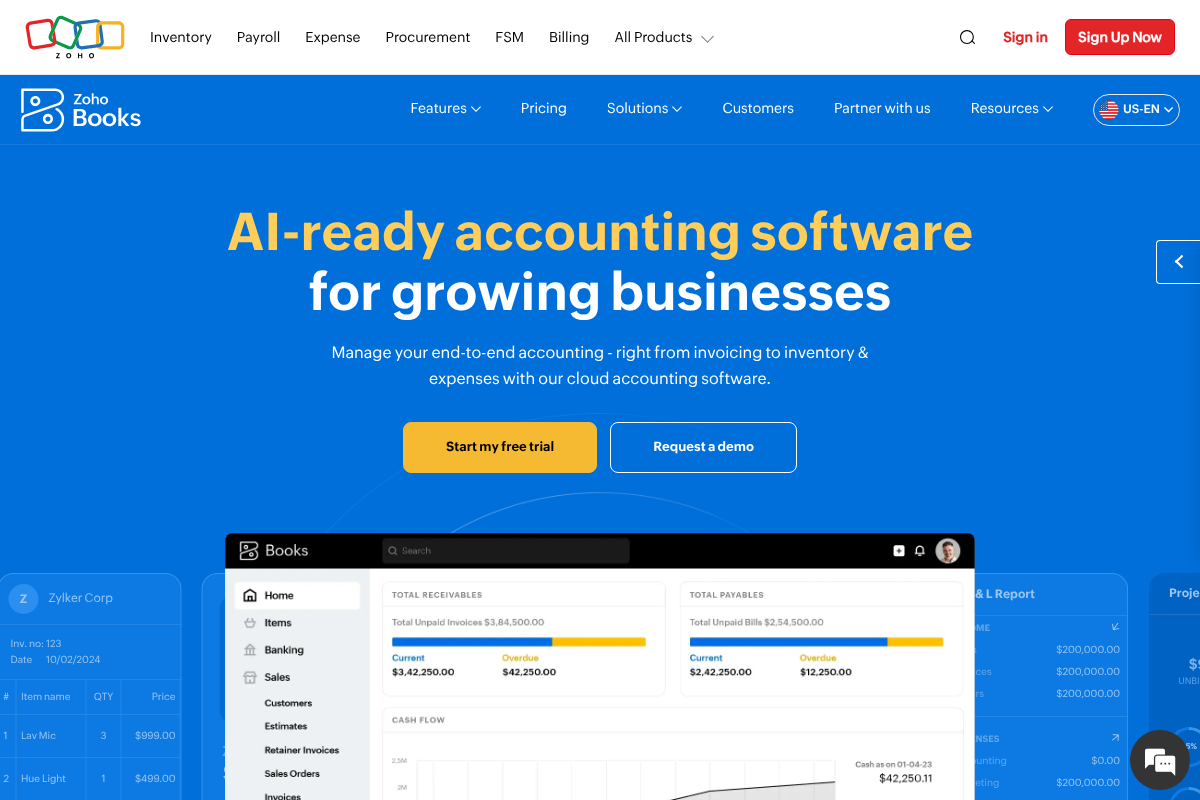
Best for: small businesses that want serious e-invoicing on an affordable plan.
Zoho Books is the most complete answer here for e-invoicing on a budget. It can create B2B invoices and transmit them over the Peppol network in the required structured format, conforming to the Peppol BIS Billing 3.0 profile built on the EN 16931 standard. That is exactly what compliance regimes ask for, and it is part of the software rather than a separate purchase. Zoho also keeps costs low, with full access free for businesses under $50,000 in annual revenue.
- Pros: Native Peppol e-invoicing, genuinely affordable, free tier for smaller businesses, deep automation.
- Cons: Best value if you are open to the wider Zoho ecosystem; support can be slower than premium rivals.
Pricing: Zoho Books is free under $50K revenue, with paid tiers scaling up from there.
2. Xero
Best for: established small businesses that want a polished, widely supported platform.
Xero is the accountant favorite and the safest all-round QuickBooks replacement, with built-in e-invoicing over Peppol in the regions where it is supported, including Australia, New Zealand, the UK, and Singapore. It pairs that with unlimited users on every plan, a large app marketplace, and a clean interface that makes the switch painless. If your business is growing and you want something your bookkeeper already knows, this is it.
- Pros: Built-in Peppol e-invoicing, unlimited users, strong ecosystem, accountant-friendly.
- Cons: Pricier entry point, and Peppol availability depends on your country.
Pricing: Xero plans start around $29 a month with unlimited users.
3. Odoo
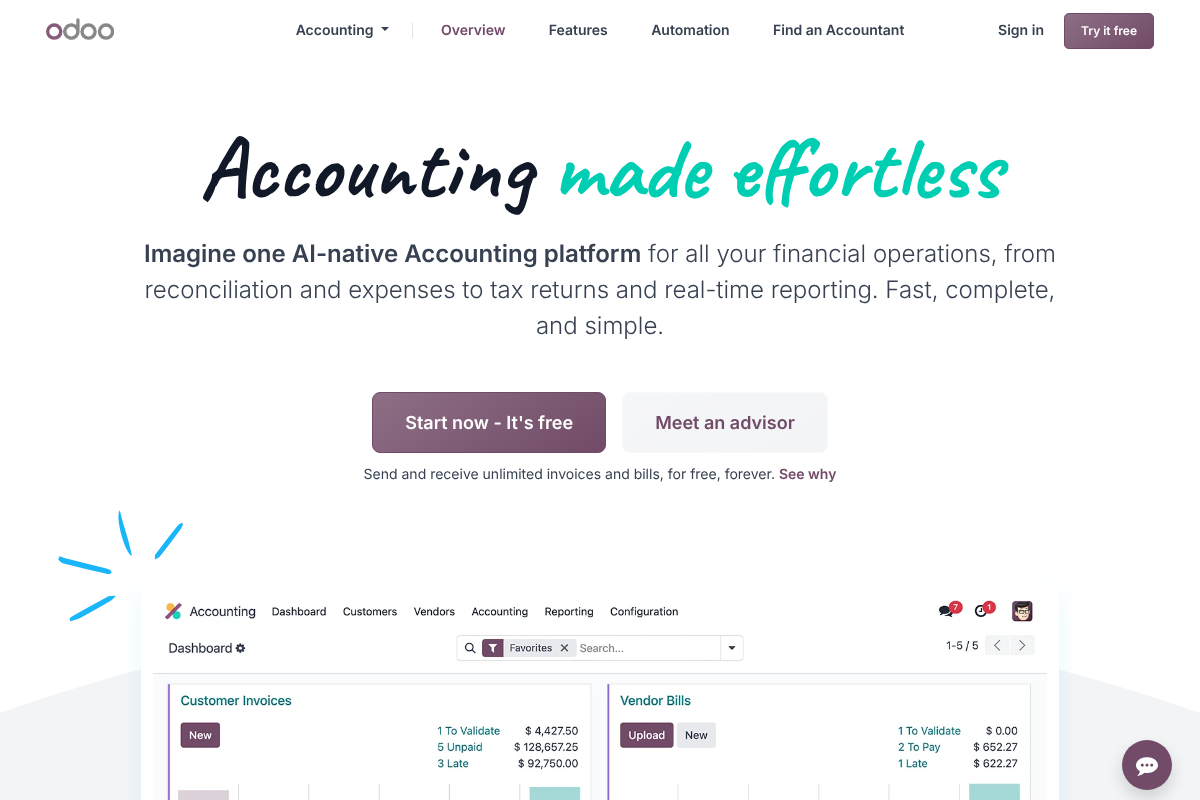
Best for: tech-comfortable owners who want open-source control and full compliance without new software.
Odoo’s Accounting module handles European e-invoicing standards natively, including EN 16931, Peppol BIS, and UBL. If you are already on Odoo, full compliance is a few settings away with no additional software to buy, which is the cleanest possible version of “no add-ons.” It is modular and open-source, so you can run just accounting or a whole business suite, and it sends and receives unlimited invoices on its free tier.
- Pros: Native Peppol and EN 16931 support, open-source, no per-feature fees, scales into a full ERP.
- Cons: More setup than a plug-and-play SaaS, and the many modules can overwhelm at first.
Pricing: Odoo offers a free single-app tier; paid plans add the wider suite.
4. Invoice Ninja
Best for: freelancers and small firms who want free, open-source invoicing with e-invoicing support.
Invoice Ninja is the open-source pick built around invoicing first, and it has added structured e-invoicing support, including Peppol and standard e-invoice formats. It is genuinely free to start, used by a couple hundred thousand businesses, and you can self-host it for total control or use the hosted version. For a service business whose main need is getting compliant invoices out the door cheaply, it punches well above its price.
- Pros: Free forever tier, open-source, self-hostable, e-invoicing built in.
- Cons: Lighter on full accounting features than Zoho or Xero; self-hosting adds maintenance.
Pricing: Invoice Ninja is free to start, with low-cost paid tiers and a self-hosted option.
5. FreshBooks
Best for: freelancers and service businesses that want the easiest invoicing experience.
FreshBooks is the friendliest tool here for people who send invoices and track time rather than run complex books. Its invoicing, payments, and client experience are best in class for solo operators and small service firms. The honest caveat for this list: its structured e-invoicing support is more region-dependent than the Peppol-native options above, so confirm it covers your country’s format before you rely on it. If your compliance needs are light and ease of use is the priority, it is a strong pick.
- Pros: Extremely easy to use, excellent invoicing and client tools, great for freelancers.
- Cons: Structured e-invoicing varies by region, so verify support for your market.
Pricing: FreshBooks is subscription-based, with tiers by client count and features.
How We Chose These
We started from one requirement that many roundups skip: the ability to produce structured, standard-compliant e-invoices, ideally over Peppol, without buying a separate add-on. From there we weighed price, ease of migration from QuickBooks Online, and whether the tool fits a solo freelancer or a growing team. We flagged honestly where e-invoicing support is regional rather than universal, since compliance is the whole reason to switch.
This article is general information, not tax, accounting, or legal advice. E-invoicing rules vary by country and change often, so confirm current requirements for your jurisdiction with a qualified professional or your tax authority before choosing software.
The Bottom Line
If you want the least-fuss path to compliant e-invoicing, Zoho Books and Xero are the safe bets, with native support baked into ordinary plans. Prefer open-source and full control, Odoo and Invoice Ninja both deliver structured e-invoicing without per-feature fees, with Odoo scaling further and Invoice Ninja staying lean and cheap. Choose FreshBooks only after confirming its e-invoicing covers your region. Whatever you pick, verify the specific format your country mandates before you migrate, because the point of switching is to stop paying extra for compliance you should already have. For more, see YouGottaRead’s guide to common small-business finance mistakes and the wider Business section.
Frequently Asked Questions
What is the best QuickBooks alternative for e-invoicing?
Zoho Books and Xero are the strongest all-round choices, both offering native Peppol e-invoicing inside standard plans. For open-source control without per-feature fees, Odoo and Invoice Ninja are excellent. The best fit depends on your budget, region, and whether you want a hosted app or to self-host.
What is Peppol e-invoicing, and do I need it?
Peppol is an international network and standard for exchanging structured, machine-readable invoices that follow the EN 16931 format. A growing number of countries mandate it for B2B invoicing, so if you trade in or with those markets, you likely need software that supports it. Check your own country’s rules and deadlines.
Can I send e-invoices from QuickBooks Online without add-ons?
It depends on your region and plan, and many users find they need a third-party connector or add-on for structured Peppol invoicing. The alternatives in this list build e-invoicing into their normal software, which is why owners who want to avoid extra fees often switch.
Is there a free accounting tool with e-invoicing?
Yes. Zoho Books is free for businesses under $50,000 in annual revenue and supports Peppol, Odoo offers a free single-app accounting tier with native e-invoicing, and Invoice Ninja has a free, open-source plan with e-invoicing support. Each has paid tiers as you grow.
Will switching from QuickBooks Online be difficult?
Most of these tools offer import paths for contacts, invoices, and historical data, and Xero in particular is designed to be accountant-friendly for migrations. The bigger task is verifying your e-invoicing format is configured correctly for your country, so test a compliant invoice before you fully cut over.


