



The buying checks that separate a real Copilot+ PC from a normal laptop wearing an AI sticker.
Walk into any electronics aisle and half the laptops now claim to be “AI PCs.” Most are not Copilot+ PCs, and the difference is not marketing, it is hardware that either clears a specific bar or does not. If you are switching from a regular Windows laptop to get the on-device AI features, a few Copilot+ PC requirements that matter decide whether you actually get them, and a couple more decide whether the machine fits your real life. Here are the nine to check before you spend the money.
In Brief
A true Copilot+ PC needs a 40+ TOPS NPU, one of the qualifying chip families, at least 16 GB of RAM and 256 GB of storage, and Windows 11 version 24H2 or newer. Those are the hard gates. The softer but just as important checks are whether your must-have apps run on the chip’s architecture, whether the AI features you want have actually shipped, and whether battery life, peripherals, and work software hold up. Nail the hardware and the compatibility, skip it if your daily apps are not supported yet.
Table of Contents
1. A 40-plus TOPS NPU
This is the line that defines the category. A Copilot+ PC must have a neural processing unit rated at least 40 TOPS, or trillion operations per second, and that number is not negotiable. It is why a two-year-old laptop with a great CPU still cannot be a Copilot+ PC: the older NPU tops out well below 40 TOPS. If a listing does not state the NPU’s TOPS, treat it as a no until you confirm it. The whole point is running AI locally on that chip instead of sending everything to the cloud.

2. One of the qualifying chip families
Only a short list of silicon clears the bar. As of 2026 that means Qualcomm’s Snapdragon X series, Intel’s Core Ultra 200V or 300V, or AMD’s Ryzen AI 300 or 400. Anything older or lower in the stack, including many current Core and Ryzen chips without the AI-series branding, does not qualify no matter how fast the CPU is. Check the exact chip name in the spec sheet, because the brand alone will not tell you. A “Core Ultra 7” without the V-series suffix, for example, is a different NPU class.
3. At least 16 GB of RAM, and plan for more
Sixteen gigabytes is the floor Microsoft sets, and it is genuinely a floor, not a comfortable target. On-device AI models load into memory alongside everything else you run, so 16 GB fills up faster on a Copilot+ PC than it did on your old machine. If you keep a lot of browser tabs open or do any creative work, 32 GB is the version you will not regret. RAM is usually soldered on these laptops, so you cannot add it later. Buy the amount you need on day one.
4. At least 256 GB of storage
The stated minimum is a 256 GB SSD, though 512 GB is what most current models ship with and what you should aim for. Local AI features and their models take real space, and 256 GB disappears quickly once Windows, your apps, and your files are on it. As with RAM, storage is often not upgradeable, so size up now rather than fighting a full drive in a year.
5. Windows 11 version 24H2 or newer
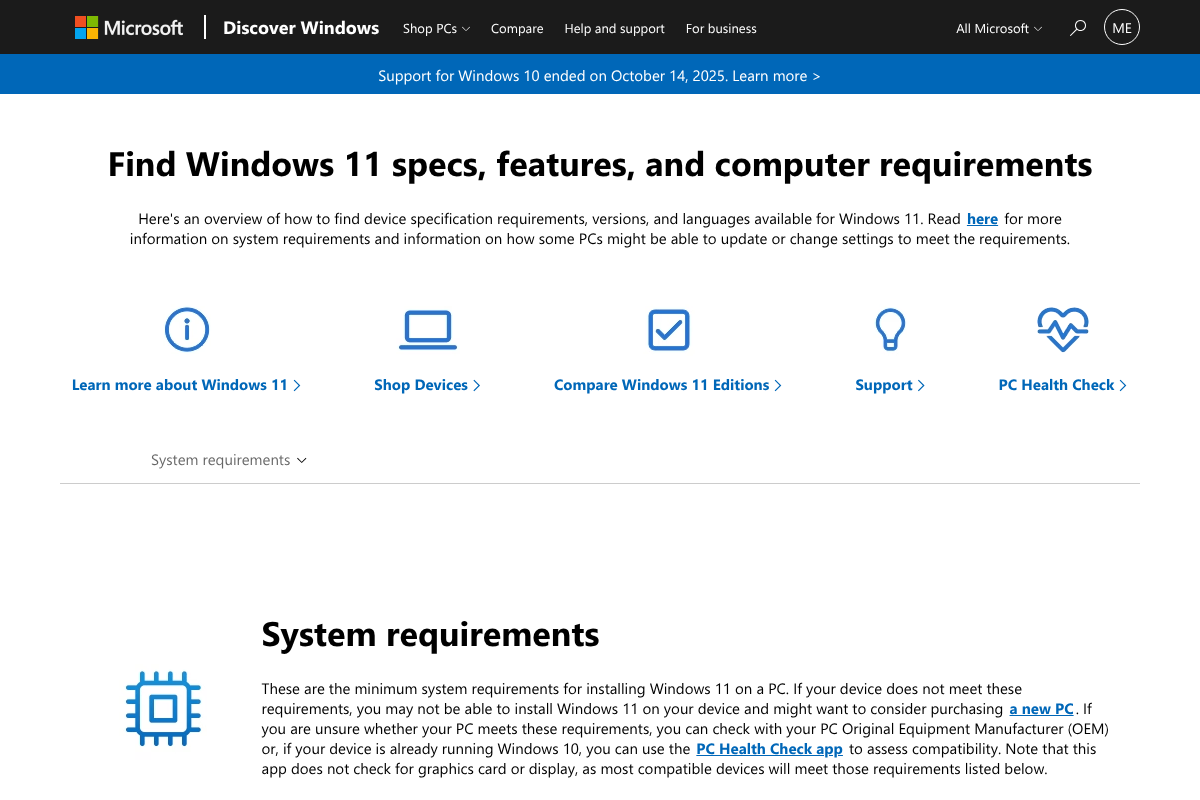
The Copilot+ features are gated to the operating system as much as the hardware. You need Windows 11 version 24H2 or later, which is what these machines ship with, and staying current matters because features roll out in stages tied to Windows updates. You can confirm your build and the full requirements on Microsoft’s Windows 11 specifications page. If you are looking at a refurbished or older-stock unit, verify the Windows version before assuming the AI features are there.
6. Your must-have apps run on the architecture
This is the requirement that trips up switchers, and it deserves more attention than the spec sheet. If you buy a Snapdragon Copilot+ PC, you are on Arm, and while Windows handles most apps through its Prism emulation layer, some software and many hardware drivers still run poorly or not at all. Before you switch, list the apps and peripherals you cannot live without, then confirm each has a native Arm version or runs cleanly under emulation. Intel and AMD Copilot+ PCs avoid this since they are still x86. Arm has improved a lot, but “improved” is not the same as “runs your niche accounting tool.”


7. The AI features you want have actually shipped
Do not buy the hardware for a feature that is still a preview. The Copilot+ lineup includes Recall, Cocreator, Windows Studio Effects, live captions with translation, and Click to Do, but they arrived on different timelines and some shipped with caveats or opt-in changes. Before switching, confirm the specific feature you care about is available now, in your region, and on your chip. Microsoft’s AI PC feature overview is a reasonable place to check what is live. Buying on a promise is how people end up disappointed.
8. Battery and thermal reality for your workload
Battery life is where Copilot+ PCs, especially the Snapdragon ones, genuinely shine, often lasting well beyond a typical x86 laptop on a charge. That is a real reason to switch. But sustained heavy workloads, gaming, or emulated x86 apps eat into both battery and thermal headroom, so the all-day numbers assume light, native use. Match the claim to how you actually work. If you run demanding software all day plugged in, the battery advantage matters less than raw performance and cooling.
9. Peripherals, VPN, and work software support
The last check is the boring one that ruins weekends. On Arm machines especially, confirm your printer, webcam, docking station, VPN client, and security software all have working support. Corporate environments add another layer: your employer’s device management, antivirus, and line-of-business apps may not be certified for Arm yet, which is part of why Arm laptops have been slower to reach company fleets. If this is a work machine, clear it with IT before you buy, not after.
How We Chose These
We split the list into two kinds of requirements: the hard gates that define a Copilot+ PC, which are the NPU, chip, RAM, storage, and Windows version, and the practical checks that decide whether the machine works for you, which are app compatibility, feature availability, battery fit, and peripheral support. We prioritized the ones people most often overlook and most regret missing, based on the questions real buyers ask when weighing a switch from a standard laptop.
The Bottom Line
For most people, a Snapdragon X or Intel Core Ultra Copilot+ PC with 16 GB of RAM, ideally 32, is a real upgrade, mostly for battery life and on-device AI. The deciding factor is not the spec sheet, it is compatibility: if a Snapdragon machine runs all your apps and peripherals, buy it and enjoy the battery; if you depend on niche Windows software or specialized hardware, choose an Intel or AMD Copilot+ PC or wait. And never buy for an AI feature that has not shipped. For more on AI-capable hardware, see YouGottaRead’s look at the Lapis One mini PC for AI agents, and browse the Tech section for more buying guides.
Frequently Asked Questions
What are the minimum Copilot+ PC requirements?
A Copilot+ PC needs an NPU rated at least 40 TOPS, a qualifying chip (Snapdragon X, Intel Core Ultra 200V or 300V, or AMD Ryzen AI 300 or 400), at least 16 GB of RAM, at least 256 GB of storage, and Windows 11 version 24H2 or newer. All of those are required, not optional.
Can I upgrade my current laptop into a Copilot+ PC?
No. The requirement is a 40+ TOPS NPU built into the processor, which you cannot add to an existing machine. Even a powerful recent laptop cannot become a Copilot+ PC through a software update if its NPU falls short of the bar. It has to be a new device with qualifying silicon.
Is a Snapdragon (Arm) Copilot+ PC a problem for app compatibility?
It can be. Most mainstream apps run natively or through emulation, and support has improved a lot, but some niche software and hardware drivers still struggle on Arm. Check your must-have apps and peripherals before buying. If any are unsupported, an Intel or AMD Copilot+ PC keeps you on x86.
Do I need 16 GB or 32 GB of RAM?
Sixteen gigabytes is the minimum and works for everyday use, but on-device AI shares that memory, so 32 GB is worth it for heavy multitasking or creative work. Since RAM is usually soldered and not upgradeable, choose the higher amount up front if your budget allows.
Are Copilot+ PCs worth switching to from a regular laptop?
For better battery life and local AI features, yes, provided your software runs on the chip. The AI tools are genuinely useful and the efficiency gains are real. If you rely on specialized Windows apps or peripherals that lack Arm support, weigh an x86 Copilot+ PC or hold off until compatibility catches up.


